

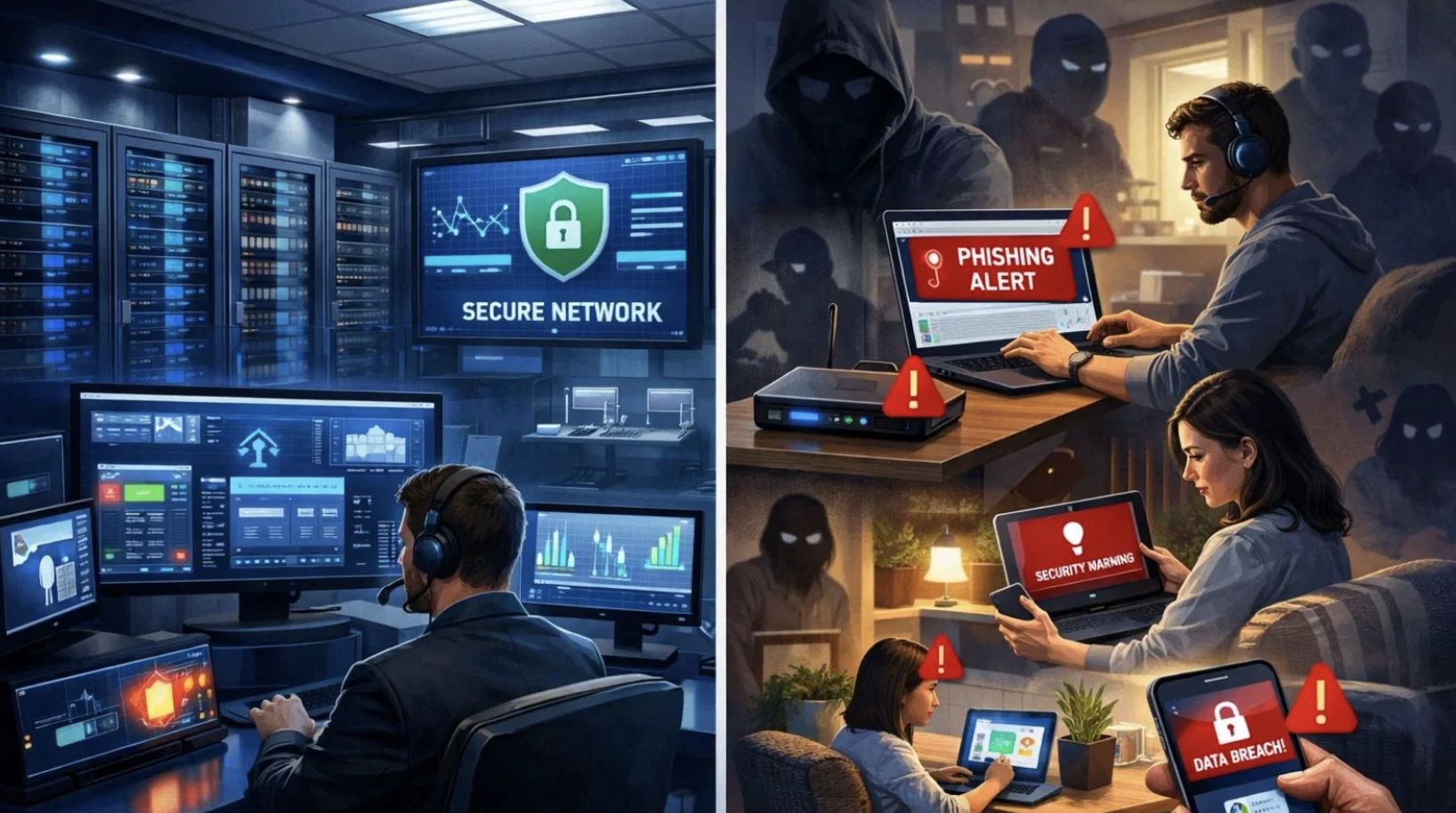
In today’s digital-first workplace, remote teams have become the backbone of countless businesses. While remote work increases flexibility and productivity, it also introduces significant cybersecurity risks. Small businesses, startups, freelancers, and growing companies often lack a dedicated IT department, making them attractive targets for cybercriminals.
Fortunately, building a secure remote work environment does not require a full-time IT staff. With the right security practices, reliable tools, and clear policies, any organization can dramatically reduce cyber risks while keeping operations running smoothly.
In this article, we will guide you through essential steps to protect your remote workforce effectively.
Why Remote Teams Face Greater Security Risks
Remote employees access company data from different locations, devices, and internet connections. Unlike traditional office environments, there is no centralized network protecting every endpoint.
Common security challenges include:
- Unsecured home Wi-Fi networks
- Weak or reused passwords
- Personal devices used for business
- Phishing emails
- Public Wi-Fi usage
- Outdated software
- Unauthorized file sharing
- Lost or stolen devices
Every remote employee becomes a potential entry point for attackers, making proactive security essential.
Create Strong Password Policies
Passwords remain the first line of defense against cyber threats.
Your remote team should follow strict password guidelines:
- Use passwords with at least 16 characters
- Avoid dictionary words
- Never reuse passwords across accounts
- Include uppercase, lowercase, numbers, and symbols
- Change compromised passwords immediately
Instead of asking employees to memorize dozens of passwords, use a reputable password manager.
Password managers allow every employee to generate unique credentials for every account while securely storing login information.
Enable Multi-Factor Authentication Everywhere
Even strong passwords can be stolen.
Multi-Factor Authentication (MFA) adds another layer of protection by requiring a second verification step before granting access.
Enable MFA for:
- Email accounts
- Cloud storage
- Project management software
- Accounting systems
- CRM platforms
- Communication apps
- File-sharing services
Authenticator apps are generally more secure than SMS verification.
Secure Every Device
Every laptop, desktop, smartphone, and tablet accessing company information should follow minimum security standards.
These include:
- Automatic operating system updates
- Full-disk encryption
- Screen lock after inactivity
- Biometric authentication where available
- Remote device wipe capability
- Modern antivirus software
Companies that don’t have dedicated IT teams can still ensure these rules are followed by creating clear written policies and including them in new employee training.
Use Cloud Services With Built-In Security
Cloud platforms often provide stronger security than self-managed systems.
Choose providers offering:
- Data encryption
- Automatic backups
- Version history
- Role-based permissions
- Audit logs
- Account recovery options
- Security monitoring
Limiting access based on employee responsibilities significantly reduces internal risks.
Train Employees to Recognize Phishing Attacks
Human error causes many successful cyberattacks.
Employees should learn how to identify suspicious messages before clicking links or downloading attachments.
Warning signs include:
- Unexpected invoices
- Urgent payment requests
- Misspelled domains
- Strange email addresses
- Poor grammar
- Requests for passwords
- Fake login pages
Encourage employees to verify unusual requests using another communication method before responding.
Regular awareness training can prevent costly mistakes.
Want to improve your team’s cybersecurity awareness? Read our guide on How to Train Employees to Spot Phishing Without Hiring a Trainer for practical, budget-friendly training strategies.
Require Secure Home Wi-Fi Networks
Home internet connections vary greatly in security.
Employees should:
- Change default router passwords
- Enable WPA3 or WPA2 encryption
- Install router firmware updates
- Disable unused guest access
- Avoid sharing business devices with family members
A secure home network dramatically lowers exposure to cyber threats.
Use VPNs for Sensitive Work
Virtual Private Networks encrypt internet traffic between employees and company resources.
VPNs become especially important when employees:
- Travel frequently
- Work from hotels
- Use airports
- Visit coffee shops
- Connect through public Wi-Fi
Encrypted traffic prevents attackers from intercepting sensitive information.
Keep Software Updated Automatically
Software updates often contain security patches that eliminate known vulnerabilities.
Configure automatic updates for:
- Operating systems
- Web browsers
- Productivity software
- Video conferencing tools
- Security software
- Mobile applications
Delaying updates gives attackers more opportunities to exploit outdated software.
Limit Access Based on Job Roles
Not every employee needs access to every file.
Following the Principle of Least Privilege reduces damage if an account becomes compromised.
Examples include:
- Finance staff access accounting systems only.
- Marketing teams access marketing files.
- Developers access development resources.
- Customer support accesses customer service platforms.
Review permissions regularly as employees change roles.
Back Up Company Data Automatically
Backups protect businesses from ransomware, accidental deletion, hardware failure, and natural disasters.
A reliable backup strategy includes:
- Daily automatic backups
- Encrypted backup storage
- Cloud-based redundancy
- Offline backup copies
- Regular restoration testing
Never assume backups are working without testing recovery procedures.
Develop Simple Security Policies
Security policies don’t need to be lengthy.
Every remote employee should understand:
- Acceptable device usage
- Password requirements
- File-sharing rules
- Software installation policies
- Reporting suspicious activity
- Lost device procedures
- Data handling guidelines
Clear expectations reduce confusion and improve compliance.
Protect Business Email
Email remains the most common attack vector.
Improve email security by:
- Enabling spam filtering
- Using phishing protection
- Activating MFA
- Blocking suspicious attachments
- Monitoring login activity
- Using email authentication protocols
Employees should never share passwords through email.
Separate Personal and Business Accounts
Mixing personal and professional accounts creates unnecessary risks.
Encourage employees to use:
- Dedicated business email addresses
- Separate cloud storage
- Business-only communication platforms
- Company-approved applications
Keeping work isolated simplifies security management.
Monitor Account Activity
Most cloud services provide activity logs.
Regularly review:
- Failed login attempts
- New device logins
- Geographic login locations
- Permission changes
- Shared file activity
Unexpected behavior may indicate compromised accounts.
Prepare an Incident Response Plan
Every organization should know exactly what happens after a security incident.
Create a checklist covering:
- Disconnect affected devices.
- Change compromised passwords.
- Notify team members.
- Restore data from backups.
- Document the incident.
- Identify the cause.
- Improve security controls.
Quick responses reduce damage and downtime.
Choose Secure Communication Platforms
Messaging applications should support:
- End-to-end encryption
- Multi-factor authentication
- Administrative controls
- User management
- File-sharing permissions
Avoid using unsecured messaging apps for confidential business discussions.
Conduct Regular Security Reviews
Protecting your digital information is an ongoing effort, not just a one-time task.
Review security every few months by checking:
- Employee access permissions
- Software updates
- Backup functionality
- Password compliance
- Device inventory
- Security training completion
- Cloud account settings
Routine reviews help identify weaknesses before attackers do.
Build a Security-First Culture
Technology alone cannot protect a remote workforce.
Successful organizations encourage employees to:
- Report suspicious emails immediately
- Ask questions when uncertain
- Share security updates
- Follow documented procedures
- Participate in regular training
When cybersecurity becomes part of company culture, risks decrease significantly.
Affordable Security Stack for Small Remote Teams
Businesses without IT departments can still create enterprise-level protection using affordable solutions.
A practical security toolkit includes:
- Password manager
- Multi-factor authentication
- Cloud storage with encryption
- Reliable antivirus software
- VPN service
- Automatic backup solution
- Endpoint protection
- Secure communication platform
These tools provide comprehensive protection without requiring dedicated technical staff.
Final Thoughts
Securing a remote workforce without an IT department is entirely achievable with thoughtful planning, reliable tools, and consistent employee practices. By enforcing strong passwords, enabling multi-factor authentication, securing devices, training employees, limiting data access, maintaining automatic backups, and establishing clear security policies, businesses can significantly reduce cyber risks while supporting productive remote work.
If you’re building or growing a startup, you may also enjoy our guide on How to Find Startup Ideas in Industries Nobody Is Looking At to discover overlooked business opportunities
Cybersecurity is not determined by the size of your company—it is determined by the quality of your security habits. Building a strong security foundation today helps protect your employees, customers, reputation, and business growth for years to come.
Frequently Asked Questions (FAQ’s)
1. Is it possible to secure a remote team without hiring an IT department?
Yes. Small businesses can achieve strong cybersecurity by using trusted cloud services, enforcing security policies, enabling multi-factor authentication, and training employees on cybersecurity best practices.
2. What is the biggest security risk for remote employees?
Phishing attacks remain the most common threat because they rely on human error rather than technical vulnerabilities.
3. Should remote employees use personal devices for work?
It is safer to use dedicated business devices. If personal devices must be used, they should meet company security requirements, including encryption, antivirus protection, and automatic updates.
4. How often should passwords be changed?
Passwords should be changed immediately if they are compromised. Otherwise, using long, unique passwords with multi-factor authentication is generally more effective than frequent mandatory password changes.
5. Do small businesses really need VPNs?
Yes. VPNs provide encrypted internet connections, especially when employees access company resources from public or unsecured Wi-Fi networks.
6. What should every remote work security policy include?
A comprehensive policy should cover password standards, device security, software updates, acceptable use, data protection, incident reporting, backup procedures, and employee cybersecurity training.