

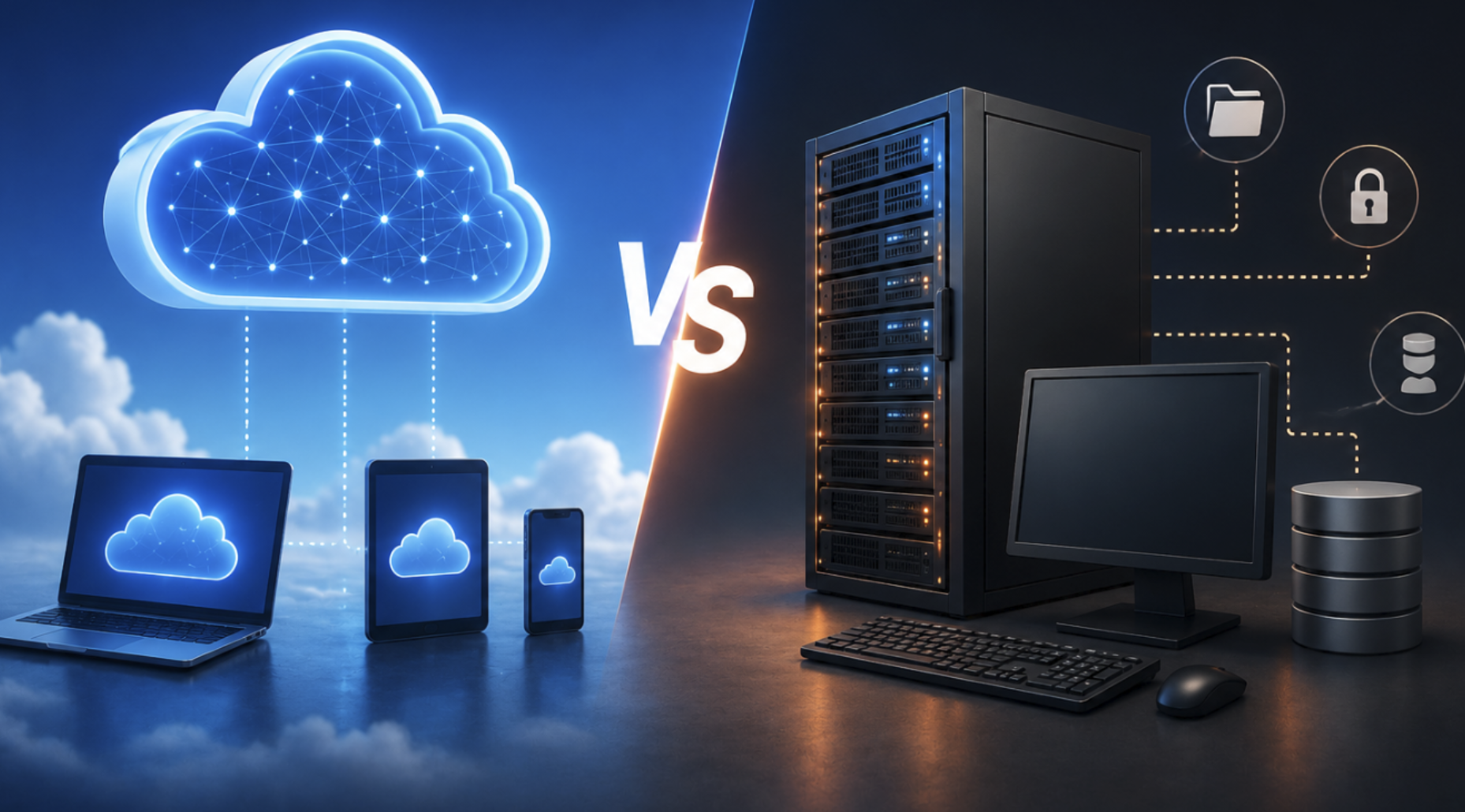
Walk into almost any business conversation about technology and “the cloud” comes up within minutes. Move to the cloud. Scale in the cloud. Our data is in the cloud. The phrase is used so casually that it starts to lose meaning, and for anyone trying to make an actual decision about how to run their software, their data, or their infrastructure, the vagueness becomes a real problem.
What does cloud computing actually mean? And more importantly, how does it differ from the way computing has worked for decades? The gap between these two models is wider than most people realize, not just technically, but in terms of cost, control, flexibility, and risk. Getting clear on the real difference helps you make smarter decisions, whether you’re a business owner evaluating your IT setup, a developer choosing an architecture, or just someone trying to understand why every company seems to be “moving to the cloud.”
What Traditional Computing Actually Looks Like
Before comparing the two, it’s worth being precise about what traditional computing, sometimes called on-premises computing, or simply “on-prem”, actually means in practice.
In a traditional setup, a company owns its computing infrastructure. That means physical servers sitting in a data center, a server room, or occasionally a closet (more common than anyone in enterprise IT likes to admit). The company buys the hardware, installs the operating systems and software, connects everything to its own network, and takes responsibility for maintaining, securing, and upgrading the whole stack.
When an employee needs more storage, IT orders a hard drive. When the database server starts hitting its limits, IT buys a new server or upgrades the existing one. When something breaks at 2am, someone from the IT team gets called. The business controls everything, which sounds great until you’re writing the check for a $40,000 server that you’ll need to replace in five years regardless of whether your business grew or shrank.
This model has been the default for decades. Universities ran their own data centers. Banks ran their own data centers. Hospitals, law firms, government agencies, all maintaining physical hardware on their own premises, with their own staff, on their own timeline.
What Cloud Computing Actually Is
Cloud computing, in the most practical sense, means accessing computing resources – storage, processing power, databases, networking, software – over the internet, on demand, from a provider who manages the underlying infrastructure.
When you store files in Google Drive, you’re using cloud computing. When your company runs its HR software on Workday, that’s cloud computing. When a startup spins up a new server on Amazon Web Services in about 90 seconds without touching a single piece of hardware, that’s cloud computing.
The defining characteristics aren’t really about “where” the servers are, there are still physical servers somewhere, in a data center owned by AWS or Google or Microsoft. The defining characteristics are how those resources are delivered and paid for:
On-demand access means you provision resources when you need them and release them when you don’t. You’re not buying capacity in advance and hoping you sized correctly, you’re drawing from a pool that can scale up or down based on your actual usage.
Shared infrastructure means you’re using hardware that’s also being used (in isolated, virtualized form) by other customers. This is what makes the economics work, the cloud provider can invest billions in hardware and spread that cost across thousands of customers.
Pay-as-you-go pricing means you pay for what you use, typically billed by the hour, minute, or even second. No capital expenditure. No depreciation schedules. Just a monthly bill that reflects actual consumption.
The Real Differences That Matte
The technical architecture is interesting, but the differences that actually affect decisions are more practical.
Cost structure is completely different. Traditional computing involves large upfront capital costs, buying servers, networking equipment, cooling systems, and the physical space to house them, followed by ongoing operational costs for maintenance, power, and IT staff. This is CapEx-heavy. Cloud computing shifts almost all of that to operational expenditure. You pay monthly, based on usage.
For a startup with limited capital, this is transformative, you can access enterprise-grade infrastructure without writing a six-figure check. For a large organization with steady, predictable workloads, the math is more nuanced; cloud can actually cost more at scale if not managed carefully.
Scalability works differently. Imagine you run an e-commerce site that handles 500 visitors a day normally, but during a sale event you expect 50,000 visitors in a single afternoon. In a traditional setup, you’d need to provision for the peak, buying hardware sized for that maximum load, which sits underutilized 99% of the time.
In the cloud, you scale up for the afternoon and scale back down afterward, paying only for those few hours at peak capacity. For any business with variable demand, this is a significant practical advantage. For businesses with perfectly flat, predictable workloads, the advantage is smaller.
Control and customization differ significantly. Traditional computing gives you complete control. You choose the hardware, configure the software exactly as needed, set your own security policies, and don’t share infrastructure with anyone. For certain industries, financial services, healthcare, defense contractors, this level of control is not just preferred, it’s often required by regulation. Cloud environments have become highly configurable and offer robust compliance certifications, but you’re still operating within a framework set by the provider.
You can’t choose the physical server your data lives on, and you’re subject to the provider’s terms of service, pricing changes, and service decisions.
Reliability and uptime are handled differently. Cloud providers invest enormous resources in redundancy, failover systems, and disaster recovery across multiple geographic regions. For most businesses, a major cloud provider’s infrastructure is more reliable than anything they could build themselves. But “cloud outages” do happen, AWS, Google Cloud, and Azure have all had significant incidents that took down large swaths of the internet with them.
When AWS’s us-east-1 region has issues, a remarkable number of websites and apps go down simultaneously. Traditional infrastructure has its own failure risks, but they’re local and within the company’s control to fix.
Security is more complex than most marketing suggests. Cloud providers often market their security as a feature, and they do invest heavily in it. But cloud security operates on a shared responsibility model: the provider secures the infrastructure, but the customer is responsible for securing their data, access controls, and application configurations. Many cloud breaches aren’t caused by the provider being compromised, they’re caused by customers misconfiguring their storage buckets or failing to enforce proper access policies.
Neither model is inherently more secure; both require competence and diligence.
The Three Main Cloud Models (Worth Knowing)
Cloud computing isn’t monolithic, and understanding the three primary service models helps clarify what’s being compared in any given conversation.
Infrastructure as a Service (IaaS) gives you virtualized computing resources – servers, storage, networking, that you manage yourself. AWS EC2, Google Compute Engine, and Azure Virtual Machines fall into this category. You get the raw infrastructure; you’re responsible for everything installed on top of it. This is closest to traditional computing in terms of control, just without owning the hardware.
Platform as a Service (PaaS) gives you a managed environment for building and deploying applications, without worrying about the underlying infrastructure. Google App Engine, Heroku, and Azure App Service are examples. You focus on your code; the platform handles servers, patching, and scaling.
Software as a Service (SaaS) is what most non-technical users interact with daily, fully managed applications delivered over the internet. Salesforce, Slack, Google Workspace, Dropbox. No infrastructure to manage, no software to install, just a subscription and a login.
Real-World Scenarios Where Each Makes Sense
For a small startup with unpredictable growth: Cloud almost always makes sense. The ability to start small, scale fast, and avoid capital expenditure aligns perfectly with early-stage economics. Most startups today are born in the cloud and stay there.
For a hospital or financial institution with strict compliance requirements: This is genuinely complex. Many such organizations have moved to private cloud or hybrid models, using cloud infrastructure but in dedicated, isolated environments that meet regulatory requirements. Pure on-premises is becoming less common even here, but the transition is slower and more careful.
For a large retailer with massive, predictable computing needs: The calculation gets interesting. At sufficient scale, owned infrastructure can be cheaper per unit than cloud. Amazon itself famously moved some workloads back on-premises when the economics justified it. The break-even point depends heavily on workload characteristics, internal IT capability, and how much the organization values flexibility versus cost efficiency.
For a media company running a streaming service with global, variable traffic: Cloud is almost certainly the right answer. The ability to stream to 10 million concurrent viewers during a major event and then scale back down is only feasible in a cloud environment.
The Hybrid Reality of 2026

It’s worth noting that the clean either/or framing, cloud versus traditional, describes fewer and fewer real-world situations. Most medium and large organizations operate in a hybrid environment: some workloads in the public cloud, some on private infrastructure, some on legacy systems that are too complex or costly to migrate.
The strategic question has shifted from “should we be in the cloud?” to “which workloads belong where, and why?” That’s a more sophisticated question, and it doesn’t have a universal answer. Legacy applications that were built for on-premises environments don’t always translate cleanly to cloud architectures. Migrating them can be expensive, risky, and sometimes yield worse performance than just leaving them where they are.
Practical Takeaways
If you’re evaluating your current setup or making infrastructure decisions, a few principles tend to hold across different contexts.
Don’t move to the cloud just because it’s the narrative. The business case needs to be specific. What problem does cloud solve for you? Cost flexibility? Scalability? Access to managed services that your team doesn’t have the expertise to run? Vague “modernization” goals lead to expensive migrations with unclear outcomes.
Understand the full cost picture before assuming cloud is cheaper. Cloud can be dramatically cheaper at small scale and more expensive at large scale. Run the numbers for your specific workload, including the cost of data egress (transferring data out of the cloud, which most providers charge for and which surprises people).
Take the shared responsibility model seriously. Moving to the cloud doesn’t hand your security concerns to the provider, it divides them in a specific way that you need to understand clearly.
Hybrid is not a failure state. Running some things on-premises and some in the cloud is a perfectly rational, increasingly common architecture. Don’t let anyone make you feel like you haven’t “completed” a transformation if hybrid is what genuinely serves your needs.
Conclusion
The real difference between cloud and traditional computing isn’t just about where servers physically live. It’s about ownership versus access, capital costs versus operational costs, self-managed control versus provider-managed convenience. Neither model is universally superior, the right answer depends on your workload, your budget structure, your regulatory environment, and how much your computing needs are expected to change.
What’s clear is that cloud computing has permanently changed what’s possible for organizations of any size, and that traditional on-premises infrastructure isn’t going away anytime soon, either. The sophisticated answer in 2026 isn’t “cloud always” or “on-prem always.” It’s understanding your own situation well enough to know which approach serves it better.
Frequently Asked Questions
1. Is cloud computing always cheaper than traditional computing?
Not necessarily. Cloud is often cheaper for small workloads, variable demand, or organizations without large IT teams. At significant scale with predictable, stable workloads, on-premises infrastructure can be more cost-effective. Always model your specific usage before assuming one is cheaper.
2. Is my data safer in the cloud or on my own servers?
There’s no universal answer. Cloud providers invest heavily in security infrastructure, but misconfigurations by customers are a leading cause of cloud breaches. On-premises security depends entirely on your own team’s competence and resources. Both can be highly secure or dangerously vulnerable depending on how they’re managed.
3. What is a private cloud?
A private cloud gives you cloud-like flexibility, virtualization, on-demand provisioning, scalability on infrastructure dedicated exclusively to your organization, either hosted at your own facility or by a third party. It combines the control of traditional computing with some of the operational benefits of cloud.
4. Can I use both cloud and traditional computing at the same time?
Yes, this is called a hybrid cloud model and is extremely common among mid-size and enterprise organizations. Different workloads run in the environment best suited to them.
5. What does “migrating to the cloud” actually involve?
It typically involves moving applications, data, and services from on-premises servers to a cloud provider’s infrastructure. The complexity varies enormously depending on how old the systems are, how they were built, and what dependencies they have. Some migrations take weeks; others take years.
6. Which cloud provider is best – AWS, Google Cloud, or Azure?
Each has genuine strengths. AWS is the most mature with the broadest service catalog. Azure integrates tightly with Microsoft products and is often preferred in enterprises already using Microsoft software. Google Cloud has strong data analytics and machine learning capabilities. The best choice depends on your specific use case, existing tooling, and where your team’s expertise lies.