

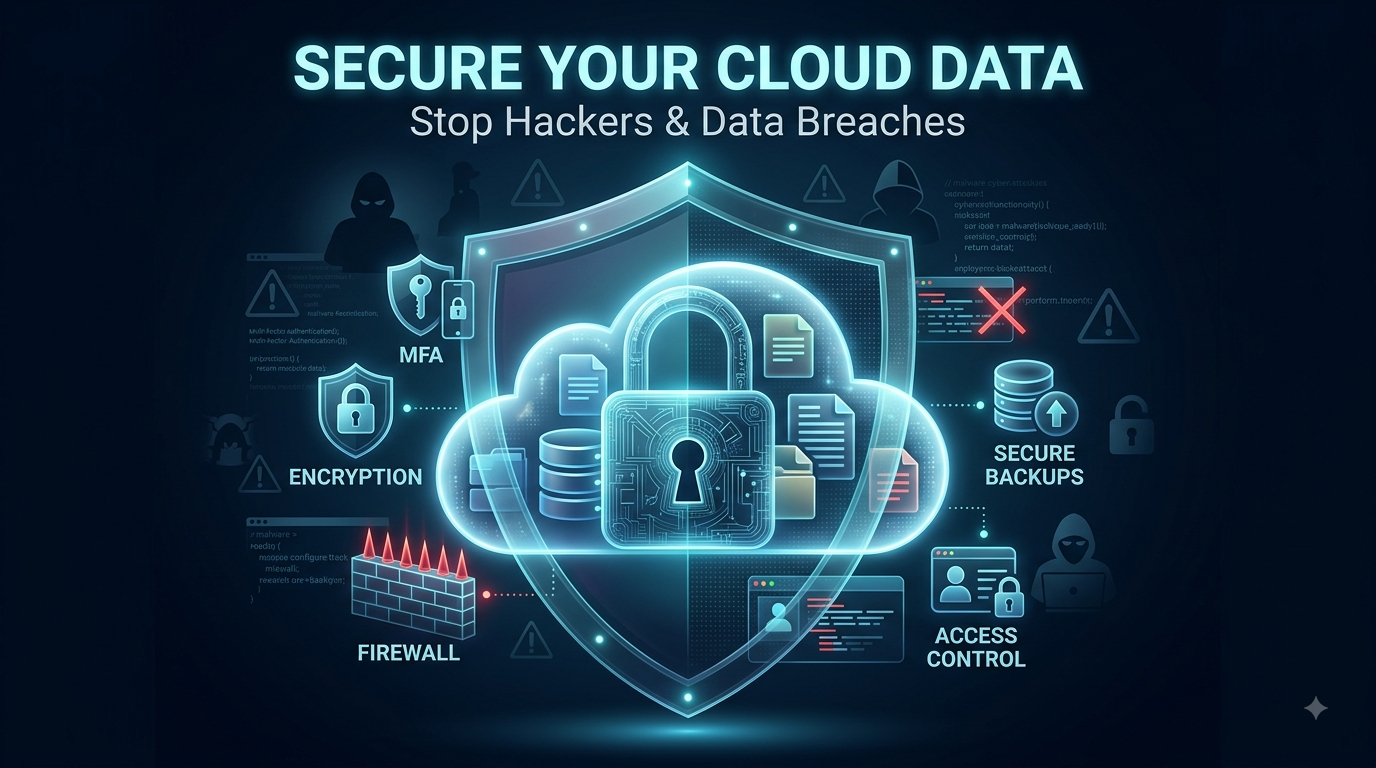
Cloud storage has changed how people and businesses store, share, and access information. Instead of keeping everything on a local computer or physical server, organizations can use cloud platforms to store files, databases, applications, and sensitive business information.
But convenience comes with responsibility.
A cloud account can contain valuable information such as customer records, financial documents, passwords, business files, and personal data. If an account is compromised or a cloud environment is misconfigured, attackers may gain access to information that should remain private.
The good news is that many cloud security risks can be reduced with practical security measures.
Here is how to secure your data in the cloud and make it harder for hackers to steal or expose your information.
What Is Cloud Data Security?
Cloud data security refers to the practices and technologies used to protect information stored, processed, or transferred through cloud services.
It can involve:
- Strong authentication
- Encryption
- Access controls
- Secure configuration
- Backup systems
- Activity monitoring
- Software updates
- Employee training
- Data-loss prevention
Cloud providers protect the underlying infrastructure, but customers are still responsible for securing many aspects of their own accounts and data.
This concept is commonly explained using the shared responsibility model.
1. Use Strong, Unique Passwords
A strong password is one of the simplest ways to protect a cloud account.
Avoid passwords that contain:
- Your name
- Birthday
- Company name
- Phone number
- Common words
- Reused passwords
Instead, use a long and unique password for every important account.
A password manager can help generate and store complex passwords so you do not have to memorize them all.
Most importantly, never reuse your cloud password on another website.
If another service suffers a breach, attackers may try those leaked credentials against your cloud account.
2. Enable Multi-Factor Authentication
A password alone is not enough to protect an important cloud account.
Multi-factor authentication (MFA) adds another verification step.
Depending on the service, this could involve:
- An authentication app
- Security key
- Biometric verification
- One-time code
- Approved device
Even if an attacker obtains your password, MFA can make unauthorized access considerably more difficult.
For administrator and highly privileged accounts, strong MFA should be considered essential.
3. Control Who Can Access Your Data
Not every employee needs access to every file.
One of the most important cloud security principles is least privilege.
Assign users only the permissions necessary for them to complete their tasks.
For example, an employee who only needs to view a document does not necessarily need permission to delete or modify it.
Review access permissions regularly and remove access when someone:
- Leaves the company
- Changes departments
- No longer needs the data
- Stops working on a project
Old accounts and excessive permissions can create unnecessary security risks.
4. Encrypt Sensitive Data
Encryption converts readable information into a protected form that requires the appropriate key to understand.
Cloud environments can use encryption for data:
- At rest
- In transit
- During certain processing scenarios
Sensitive information should receive particular attention.
This may include:
- Customer information
- Financial records
- Intellectual property
- Employee information
- Authentication data
- Confidential business documents
Encryption does not eliminate every security risk, but it can reduce the damage caused by unauthorized access.
5. Protect Your Encryption Keys
Encryption is only as strong as the way its keys are managed.
Organizations should carefully control who can access encryption keys and where those keys are stored.
Avoid putting sensitive keys directly into application source code or publicly accessible repositories.
Use appropriate key-management systems and establish clear procedures for:
- Key rotation
- Access control
- Backup
- Revocation
- Monitoring
Poor key management can undermine otherwise strong encryption.
6. Keep Cloud Configurations Secure
Misconfiguration is a major cloud security concern.
A storage bucket, database, or cloud resource may accidentally be exposed to the public internet because of an incorrect setting.
Before deploying a cloud service, review:
- Public access settings
- Firewall rules
- Identity permissions
- Storage permissions
- Network configuration
- API access
- Logging settings
Do not assume that default settings are automatically appropriate for sensitive information.
7. Avoid Publicly Exposing Sensitive Storage
Cloud storage makes sharing files easy, but careless sharing can expose confidential information.
Before making a file or storage resource public, ask whether public access is genuinely necessary.
Use private access by default when possible.
For shared files, consider:
- Expiring links
- Password protection
- Specific user permissions
- Download restrictions
- Access monitoring
Review old sharing links regularly and disable those that are no longer required.
8. Monitor Cloud Activity
Security does not end after you configure your cloud environment.
You should know what is happening inside it.
Cloud activity monitoring can help identify:
- Failed login attempts
- Unusual locations
- New administrator accounts
- Unexpected data downloads
- Permission changes
- New devices
- Suspicious API activity
Monitoring becomes particularly important for organizations handling large amounts of sensitive data.
If something unusual happens, early detection can limit the potential damage.
9. Set Up Security Alerts
Monitoring becomes more useful when important events trigger alerts.
Depending on your cloud platform, you may be able to receive notifications about:
- Suspicious login attempts
- Privilege changes
- Public storage exposure
- Unusual data transfers
- New access keys
- Security configuration changes
Do not create hundreds of alerts that nobody reviews.
Focus on events that could indicate meaningful security problems.
10. Back Up Important Cloud Data
Cloud storage should not automatically be treated as your only backup.
A ransomware attack, accidental deletion, compromised account, or malicious insider could affect important files.
Maintain appropriate backups of critical information.
A good backup strategy should consider:
- Frequency
- Retention
- Access controls
- Encryption
- Recovery testing
Backups should also be protected from unauthorized modification.
A backup that an attacker can easily delete may not help during a serious incident.
11. Train Employees to Recognize Phishing
Even strong cloud security tools cannot completely protect an organization if employees regularly give attackers their credentials.
Phishing attacks often attempt to trick people into visiting fake login pages or opening malicious attachments.
Teach employees to be cautious with:
- Unexpected login requests
- Urgent password-reset messages
- Suspicious links
- Unknown attachments
- Fake invoices
- Unusual requests from executives
Encourage employees to verify unusual requests through trusted channels.
12. Secure Cloud APIs
Cloud applications often communicate through APIs.
If an API is poorly secured, attackers may exploit it to access information or perform unauthorized actions.
Organizations should protect APIs through measures such as:
- Authentication
- Authorization
- Rate limiting
- Input validation
- Monitoring
- Secure API keys
- Regular testing
Never assume that an API is safe simply because it is not visible to ordinary users.
13. Remove Unused Accounts and Credentials
Old accounts can become forgotten entry points.
Regularly review:
- User accounts
- API keys
- Service accounts
- Access tokens
- Administrator accounts
- Third-party integrations
Remove credentials that are no longer necessary.
This is particularly important after employees leave or projects end.
14. Keep Cloud Software and Applications Updated
Cloud providers maintain their infrastructure, but customers may still be responsible for applications, virtual machines, containers, and other resources running in the cloud.
Outdated software can contain known vulnerabilities.
Create a process for identifying and addressing security updates.
Prioritize vulnerabilities that are actively exploited or affect internet-facing systems.
15. Separate Important Cloud Resources
Do not place every cloud resource into one large environment with identical permissions.
Segmentation can limit the impact of a compromised account or application.
For example, organizations can separate:
- Development environments
- Testing environments
- Production systems
- Sensitive databases
- Administrative resources
Proper separation can make it harder for attackers to move from one compromised system to another.
16. Use Zero Trust Principles
Zero Trust is based on the idea that users and devices should not automatically be trusted simply because they are inside an organization’s network.
Instead, access should be continuously evaluated based on factors such as:
- Identity
- Device condition
- Location
- Resource sensitivity
- User role
- Security policies
This approach can be particularly useful in cloud environments where employees, applications, and devices may connect from many different locations.
17. Review Third-Party Apps
Cloud accounts often connect with external applications.
For example, a business might connect its cloud storage to:
- Project-management software
- Marketing platforms
- Accounting systems
- Collaboration tools
- Automation services
These integrations can improve productivity but may also create additional access points.
Review third-party applications regularly and remove integrations that are no longer required.
18. Create a Cloud Security Response Plan
No security strategy is perfect.
Organizations should prepare for the possibility that an account or system could be compromised.
A basic incident response plan should explain:
- Who investigates the incident?
- Who has authority to disable accounts?
- How are compromised credentials revoked?
- How are affected systems isolated?
- How are backups restored?
- Who communicates with customers or stakeholders?
- What evidence should be preserved?
Having a plan before an incident occurs can save valuable time.
Common Cloud Security Mistakes
Some cloud security problems happen because of simple mistakes.
Common examples include:
- Reusing passwords
- Not enabling MFA
- Giving everyone administrator access
- Leaving storage publicly accessible
- Ignoring security alerts
- Keeping old accounts active
- Hard-coding secrets
- Failing to back up critical data
- Using outdated software
- Connecting unnecessary third-party applications
Small configuration errors can sometimes create significant consequences.
A Simple Cloud Security Checklist
If you want a quick starting point, review these areas:
- Use unique, strong passwords.
- Enable MFA.
- Apply least-privilege access.
- Encrypt sensitive information.
- Protect encryption keys.
- Review cloud configurations.
- Disable unnecessary public access.
- Monitor account activity.
- Create security alerts.
- Maintain protected backups.
- Train employees against phishing.
- Secure APIs.
- Remove unused accounts.
- Patch cloud workloads.
- Review third-party integrations.
- Prepare an incident response plan.
Conclusion
Cloud computing offers enormous benefits, but convenience should never replace security.
To secure your data in the cloud, start with the basics: strong authentication, least-privilege access, encryption, secure configurations, monitoring, backups, and employee awareness.
Businesses should also remember that cloud security is a shared responsibility. A reputable cloud provider can secure its underlying infrastructure, but customers must still configure their accounts and applications correctly.
The goal is not to make a cloud environment impossible to attack. That is unrealistic.
The aim is to minimize unnecessary risks, identify any suspicious actions promptly, restrict attacker access, and ensure efficient recovery if issues arise.
A secure cloud environment is built through multiple layers of protection, not one security tool.
FAQ’s
1. Is cloud storage safe from hackers?
Cloud storage can be secure, but no system is completely immune to attacks. Strong passwords, MFA, encryption, access controls, monitoring, and secure configurations can significantly reduce risk.
2. What is the most important cloud security measure?
There is no single solution. Implementing robust authentication methods like multi-factor authentication, along with the principle of least privilege and secure setup, creates a solid security foundation.
3. Should I encrypt my cloud data?
Sensitive information should generally be protected with appropriate encryption. Encryption can reduce the impact of unauthorized access, particularly when combined with proper key management.
4. Can a cloud provider protect all my data?
No. Cloud providers protect parts of the underlying infrastructure, while customers are generally responsible for many account, access, application, and data-security settings.
5. How often should cloud permissions be reviewed?
Organizations should review permissions regularly and whenever employees change roles, leave the company, or no longer require access to particular resources.