

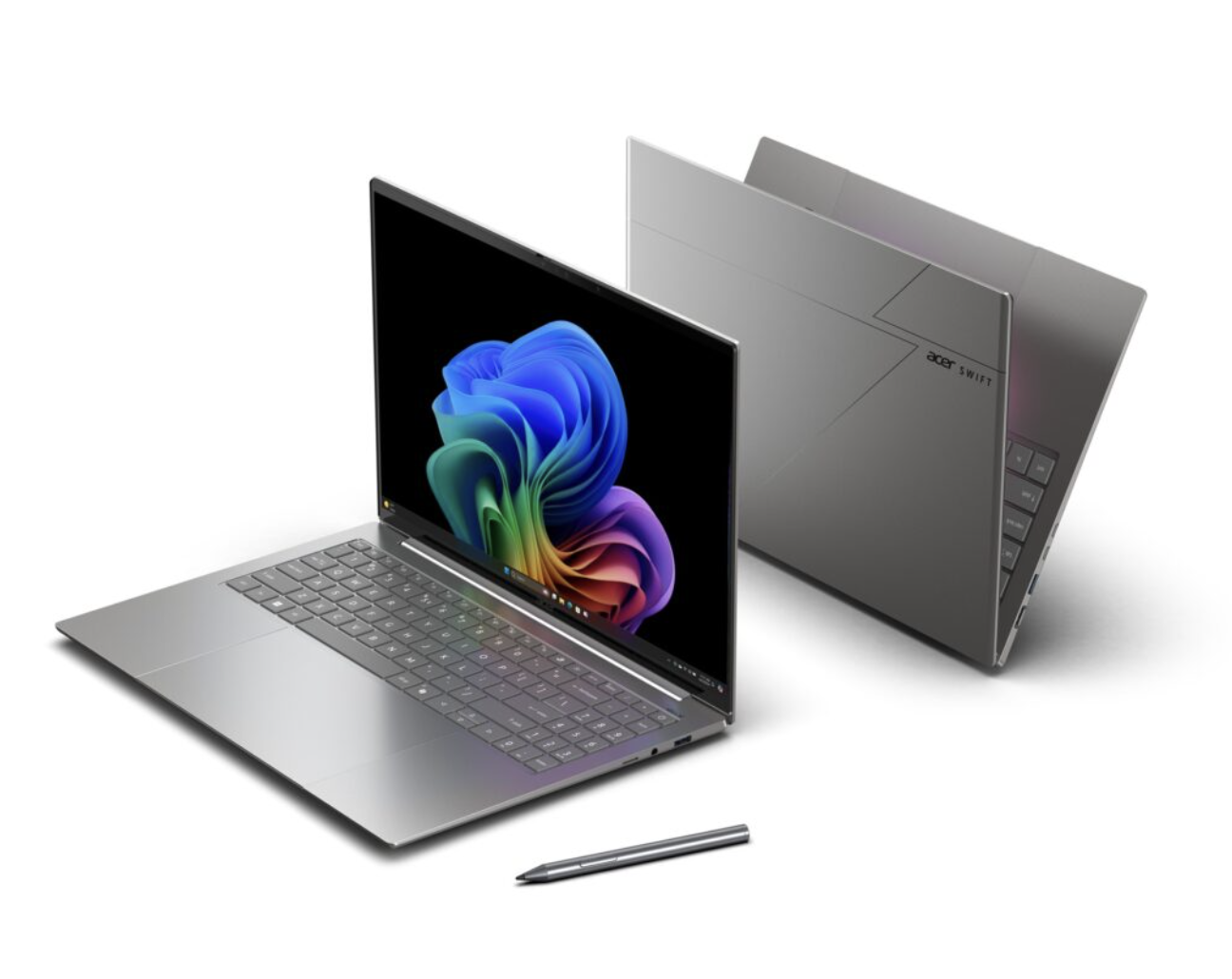
Computers have become central to work, education, entertainment, communication, and content creation. While modern operating systems include many useful tools, installing the right free software can significantly enhance functionality, security, and productivity. The best part is that many of the most powerful applications available today are completely free.
In my experience, choosing the right software can greatly improve how smoothly and securely you use a computer. I’ve personally tried a wide range of free tools over time, including apps for productivity, security, file management, content creation, and daily use. Many of these free programs are surprisingly powerful and can compete with paid software, helping users save money while still getting a high-quality computing experience.
Whether you use your computer for professional tasks, creative projects, gaming, or everyday browsing, these free programs can help you get more value from your device. This guide covers the 15 best free software applications every computer owner should consider installing in 2026.
Why Free Software Matters in 2026
Software subscriptions continue to increase in price, making free alternatives more appealing than ever. Many open-source and community-supported applications now offer features that rival or exceed premium software.
Benefits of free software include:
- No recurring subscription costs
- Frequent updates
- Strong community support
- Enhanced security through transparent development
- Compatibility with modern operating systems
VLC Media Player
The Ultimate Media Player
VLC Media Player remains one of the most trusted media applications available. It supports virtually every audio and video format without requiring additional codec downloads.
Key benefits include:
- Supports hundreds of file formats
- Smooth 4K and 8K playback
- Subtitle customization
- Streaming capabilities
- Lightweight performance
For users who regularly consume media content, VLC is an essential installation.
LibreOffice
Complete Office Productivity Suite
LibreOffice provides a full suite of office applications that can handle documents, spreadsheets, presentations, databases, and more.
Features include:
- Writer for document creation
- Calc for spreadsheets
- Impress for presentations
- Strong compatibility with Microsoft Office files
- Regular feature updates
Students, professionals, and businesses can perform daily productivity tasks without purchasing expensive office software.
Bitwarden
Password Security Made Simple
Managing passwords securely has become increasingly important. Bitwarden helps users create, store, and manage strong passwords across devices.
Advantages include:
- End-to-end encryption
- Password generation tools
- Browser extensions
- Secure cloud synchronization
- Multi-device support
Bitwarden provides an effective solution for maintaining online security.
Malwarebytes Free
Additional Protection Against Threats
Cyber threats continue to evolve, making supplemental malware protection valuable for many users.
Benefits include:
- Fast system scanning
- Malware removal
- Adware detection
- Spyware protection
- User-friendly interface
Regular scans can help identify threats before they become serious problems.
GIMP
Professional Image Editing Without Cost
GIMP remains one of the most powerful free image editing tools available.
Capabilities include:
- Layer-based editing
- Advanced retouching tools
- Filters and effects
- Graphic design functionality
- Plugin support
Content creators and designers can produce professional-quality work without purchasing premium software.
Audacity
Powerful Audio Editing
Audacity is widely used for recording and editing audio.
Popular uses include:
- Podcast production
- Music editing
- Voice-over recording
- Audio restoration
- Sound enhancement
Its extensive feature set makes it suitable for beginners and professionals alike.
7-Zip
Efficient File Compression
7-Zip helps users compress, archive, and protect files efficiently.
Features include:
- High compression ratios
- Password protection
- Support for multiple formats
- Fast extraction
- Lightweight design
It remains one of the best file management utilities available.
OBS Studio
Recording and Streaming Excellence
OBS Studio has become the industry standard for free recording and live streaming.
Applications include:
- Gameplay recording
- Online teaching
- Webinar hosting
- Content creation
- Live streaming
Its flexibility and advanced settings make it suitable for virtually any recording task.
Notepad++
Advanced Text Editing
Notepad++ offers a substantial upgrade over basic text editors.
Key features include:
- Syntax highlighting
- Multi-tab editing
- Code folding
- Plugin support
- Fast performance
Developers and power users appreciate its efficiency and customization options.
Google Drive Desktop
Reliable Cloud Storage
Cloud storage plays an essential role in modern computing.
Google Drive Desktop provides:
- Automatic backups
- File synchronization
- Secure storage
- Collaboration tools
- Access from multiple devices
Learn more about cloud storage technology through Google Cloud.
ShareX
Advanced Screen Capture Software
ShareX offers far more than standard screenshot tools.
Features include:
- Screen recording
- GIF creation
- OCR functionality
- Automated workflows
- File sharing integration
It is particularly useful for educators, trainers, and technical professionals.
HandBrake
Free Video Conversion Software
HandBrake enables users to convert and optimize video files.
Benefits include:
- Multiple format support
- Reduced file sizes
- Hardware acceleration
- Preset profiles
- High-quality output
It is ideal for preparing videos for streaming or storage.
CrystalDiskInfo
Storage Health Monitoring
CrystalDiskInfo helps users monitor hard drive and SSD health.
Features include:
- SMART monitoring
- Temperature tracking
- Health status reports
- Early warning notifications
- Detailed drive information
Monitoring drive health can help prevent unexpected data loss.
Everything Search
Instant File Searching
Everything Search dramatically improves file discovery speed.
Advantages include:
- Near-instant results
- Minimal resource usage
- Advanced search filters
- Fast indexing
- Portable versions available
It is one of the most effective productivity tools available for Windows users.
Brave Browser
Faster and More Private Browsing
Brave Browser combines speed, privacy, and security into a modern browsing experience.
Key features include:
- Built-in ad blocking
- Tracking protection
- Faster page loading
- Enhanced privacy
- Improved battery efficiency
Building the Perfect Free Software Toolkit
When combined, these applications create a comprehensive software toolkit capable of handling virtually every computing task.
Productivity
- LibreOffice
- Google Drive Desktop
- Notepad++
Security
- Bitwarden
- Malwarebytes
Media and Content Creation
- VLC Media Player
- GIMP
- Audacity
- OBS Studio
- HandBrake
System Optimization
- CrystalDiskInfo
- Everything Search
- 7-Zip
Internet and Communication
- Brave Browser
Why These Applications Stand Out in 2026
The software listed above consistently ranks among the most trusted and widely used free applications available. They receive regular updates, offer excellent performance, and provide features that rival many paid alternatives.
For users seeking a reliable and cost-effective computing experience, these tools deliver exceptional value without requiring expensive subscriptions.
Conclusion
The best free software applications in 2026 offer powerful solutions for productivity, security, entertainment, file management, and content creation. By installing these 15 programs, computer owners can maximize performance, improve efficiency, and enhance security without spending money on expensive software licenses.
Whether you are a student, professional, gamer, creator, or everyday user, these applications provide everything needed to get the most from your computer.
Frequently Asked Questions
1. What is the most important free software for new computer owners?
Bitwarden, VLC Media Player, LibreOffice, Malwarebytes, and Brave Browser are among the most valuable applications for new users because they cover essential areas including security, productivity, media playback, and web browsing.
2. Is free software safe to install?
Yes. Reputable free software from trusted developers is generally safe. Always download applications from their official websites and keep them updated to ensure maximum security.
3. Can free software replace paid software?
In many situations, yes. Applications like LibreOffice, GIMP, Audacity, and OBS Studio provide professional-level functionality that can effectively replace many paid alternatives.
4. How often should software be updated?
Users should update software whenever new versions become available. Regular updates improve security, fix bugs, and introduce new features that enhance performance and usability.