

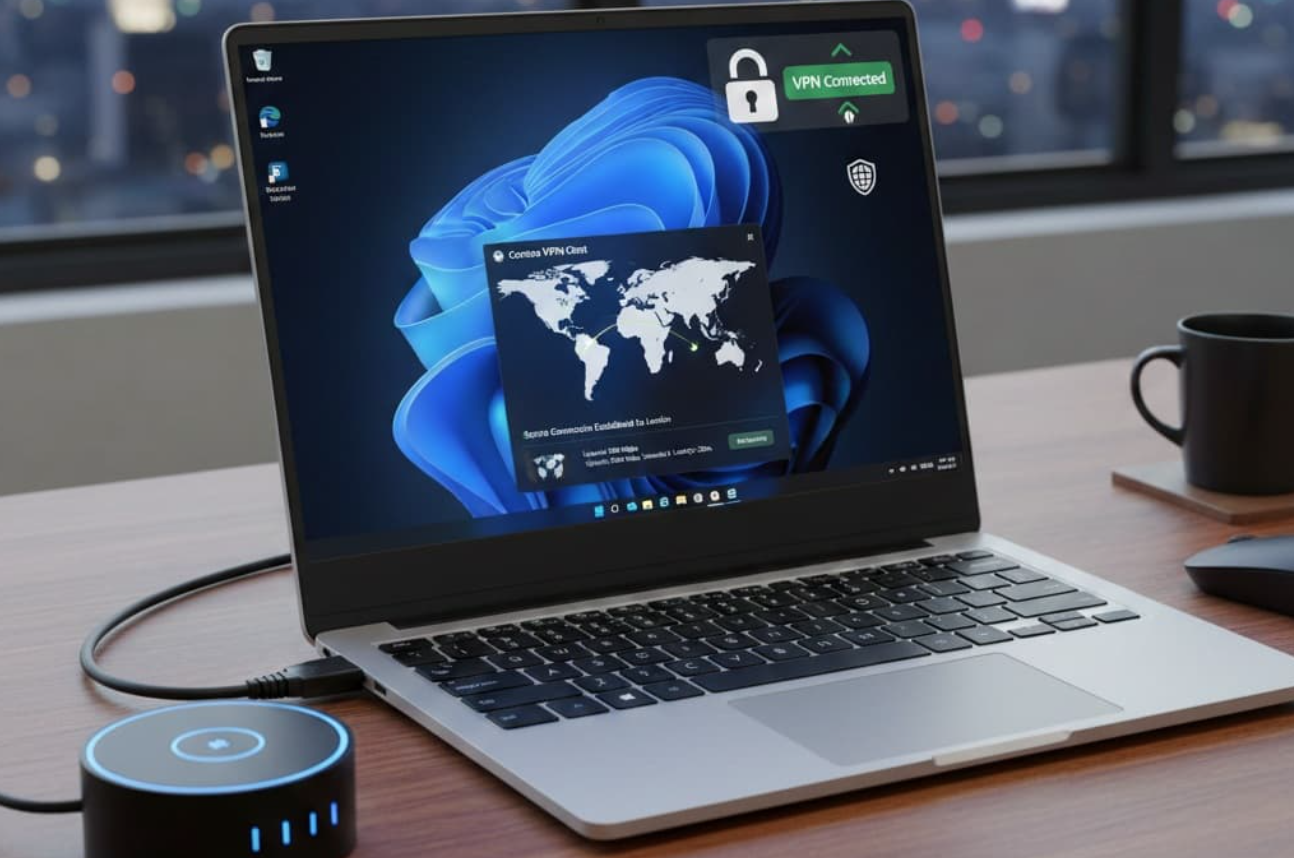
The internet has become a central part of daily life. Whether you are working remotely, shopping online, streaming content, managing business operations, or simply browsing social media, your digital activities leave a trail of data behind. As cyber threats continue to evolve and online privacy becomes more important than ever, many internet users are turning to a VPN for better security and freedom online.
But what exactly is a VPN, and why has it become such an essential tool in 2026?
In this guide, you’ll learn what a VPN is, how it works, its benefits, limitations, and why millions of people now consider it a must-have part of their digital security strategy.
What Is a VPN?
A VPN, or Virtual Private Network, is a tool that sets up a safe, private, and encrypted link between your device and the online world.
Normally, when you visit a website, your internet traffic travels directly through your Internet Service Provider (ISP). This allows your ISP, advertisers, hackers, and sometimes even government agencies to see certain information about your online activity.
A VPN changes this process by routing your internet connection through a secure server operated by the VPN provider. This hides your real IP address and encrypts your internet traffic, making it significantly more difficult for others to monitor your online activities.
Think of a VPN as a private tunnel that protects your data while it travels across the internet.
How Does a VPN Work in 2026?
Understanding how a VPN works in 2026 is easier when you break it down into simple steps.
Step 1: You Connect to a VPN Server
When you open your VPN app and pick a server, it creates a protected, encrypted link between your device and that server.
Step 2: Your Data Gets Encrypted
Before any information leaves your device, the VPN encrypts it using advanced security protocols.
Encryption converts readable information into unreadable code. Even if someone intercepts your data, they won’t be able to understand it without the proper decryption key.
Step 3: Traffic Travels Through the VPN Server
Instead of connecting directly to websites, your requests first pass through the VPN server.
The website sees the VPN server’s IP address rather than your actual IP address.
Step 4: Websites Respond Through the VPN
The requested website sends information back to the VPN server, which then securely delivers it to your device.
All of this happens in just a flash, often without you even noticing it’s happening.
Why VPNs Are More Crucial Than Ever in 2026
Hackers and online dangers have grown smarter and more complex in recent years. At the same time, data collection practices have expanded dramatically.
As a result, VPN usage has increased among individuals, businesses, students, travelers, and remote workers.
Here are some reasons why VPNs matter more than ever in 2026:
- Increased online surveillance
- Rising cybercrime and phishing attacks
- Public Wi-Fi security concerns
- Remote and hybrid work environments
- Growing concerns about personal privacy
- Geographic content restrictions
- AI-powered tracking and profiling systems
A VPN helps reduce many of these risks by providing an extra layer of protection.
Key Benefits of Using a VPN
Enhanced Online Privacy
One of the biggest advantages of using a VPN is improved privacy.
Without a VPN, your internet provider can potentially track websites you visit, services you use, and some of your online behavior.
A VPN helps mask this information by encrypting your traffic and hiding your real IP address.
Better Security on Public Wi-Fi
Public Wi-Fi networks found in airports, hotels, cafes, and shopping centers are often attractive targets for cybercriminals.
When you connect to unsecured public Wi-Fi without protection, hackers may attempt to intercept your data.
A VPN encrypts your internet traffic, making it much more difficult for attackers to access sensitive information.
Protection Against Data Tracking
Many websites and advertising networks track user behavior to create detailed profiles.
Although a VPN does not eliminate all forms of tracking, it can reduce the amount of information available to advertisers by masking your IP address.
Safer Remote Work
Remote work continues to grow in 2026.
Companies often require employees to use VPNs when accessing internal systems because VPN encryption helps protect business communications and confidential information.
Secure Online Banking and Shopping
Financial transactions involve highly sensitive data.
A VPN provides an additional security layer that helps protect your information when banking, shopping, or making payments online.
Access While Traveling
Travelers frequently encounter regional internet restrictions and network limitations.
A VPN can help maintain a more consistent browsing experience when connecting from different countries or regions.
Common VPN Protocols Used in 2026
VPN protocols determine how your data travels securely across the internet.
Modern VPN providers typically offer several protocol options.
WireGuard
WireGuard has become one of the most popular VPN protocols due to its:
- Fast speeds
- Strong security
- Lightweight design
- Efficient performance
Many experts consider it one of the best choices for everyday VPN use.
OpenVPN
OpenVPN remains widely trusted because of its:
- Proven security
- Open-source transparency
- Cross-platform compatibility
Many users still choose VPNs as their top choice for safeguarding their online activities.
IKEv2/IPSec
This protocol is particularly useful for mobile devices because it handles network changes efficiently.
For example, it can maintain stable connections when switching between Wi-Fi and mobile networks.
What a VPN Can and Cannot Do
Many people mistakenly believe that a VPN makes them completely anonymous online.
While VPNs provide significant privacy benefits, it’s important to understand their limitations.
What a VPN Can Do
- Encrypt your internet traffic
- Hide your IP address
- Improve online privacy
- Secure public Wi-Fi connections
- Reduce ISP visibility
- Protect data during transmission
What a VPN Cannot Do
- Prevent all cyberattacks
- Make you completely anonymous
- Stop malware infections
- Protect against weak passwords
- Eliminate all tracking methods
- Guarantee complete online privacy
A VPN works best when combined with strong cybersecurity habits.
Different Types of VPNs
Personal VPN
This is the most common type used by everyday internet users.
It helps protect personal browsing, streaming, shopping, and communication activities.
Business VPN
Organizations use business VPNs to allow employees secure access to company networks from remote locations.
Site-to-Site VPN
Large organizations often use site-to-site VPNs to securely connect multiple office locations.
Mobile VPN
Mobile VPNs are designed to maintain secure connections while users move between different networks.
How to Choose the Best VPN in 2026
Not all VPN services offer the same level of quality and protection.
When choosing a VPN, consider the following factors:
Security Features
Look for:
- AES-256 encryption
- WireGuard support
- Kill switch protection
- DNS leak protection
- Multi-factor authentication
Privacy Policy
A trustworthy VPN provider should have a transparent privacy policy explaining how user data is handled.
Server Network
A larger server network generally provides better performance and more location options.
Speed Performance
Fast servers help maintain smooth browsing, streaming, gaming, and downloading experiences.
Device Compatibility
Choose a VPN that works across:
- Windows
- macOS
- Android
- iPhone
- Linux
- Smart TVs
- Routers
Customer Support
Reliable support becomes important when troubleshooting connection issues or configuration settings.
VPN Trends Shaping 2026
VPN technology continues to evolve alongside changing cybersecurity threats.
Several trends are shaping the future of VPN services.
AI-Powered Threat Detection
Modern VPN platforms increasingly use artificial intelligence to identify suspicious network activity and potential threats.
Faster Global Infrastructure
VPN companies are growing their network of servers and upgrading their systems to offer faster, more reliable service across the globe.
Enhanced Privacy Regulations
Growing privacy regulations are encouraging stronger transparency and data protection practices among VPN providers.
Integrated Cybersecurity Tools
Many VPN services now include:
- Malware protection
- Ad blocking
- Password monitoring
- Identity protection tools
These features transform VPNs from simple privacy tools into comprehensive security platforms.
Final Thoughts
A VPN is no longer a tool reserved for cybersecurity professionals or large businesses. In 2026, it has become one of the most practical ways to improve online privacy, strengthen internet security, and protect personal information from growing digital threats.
By encrypting your data and masking your IP address, a VPN helps create a safer browsing experience whether you’re working remotely, using public Wi-Fi, shopping online, or simply browsing the web.
While a VPN isn’t a complete cybersecurity solution, it remains one of the most effective and accessible tools available for protecting your digital life. When combined with strong passwords, multi-factor authentication, and safe browsing habits, a VPN can significantly enhance your overall online security.
Frequently Asked Questions
1. What does VPN stand for?
VPN stands for Virtual Private Network. It creates a secure and encrypted connection between your device and the internet.
2. Is using a VPN legal?
In most countries, using a VPN is completely legal. However, laws vary by region, so it is important to check local regulations before using one.
3. Does a VPN slow down internet speed?
A VPN may slightly reduce internet speed because your data passes through an encrypted server. However, modern VPNs using WireGuard and optimized networks often maintain excellent performance.
4. Can a VPN protect me from hackers?
A VPN helps protect your data from interception, especially on public Wi-Fi networks. However, it should be used alongside antivirus software and good cybersecurity practices.
5. Should I keep my VPN on all the time?
Many security experts recommend keeping your VPN enabled whenever you are connected to the internet, particularly when using public networks.
6. Is a free VPN safe to use?
Some free VPNs are trustworthy, but many have limitations or questionable privacy practices. Research the provider carefully before using any free VPN service.