

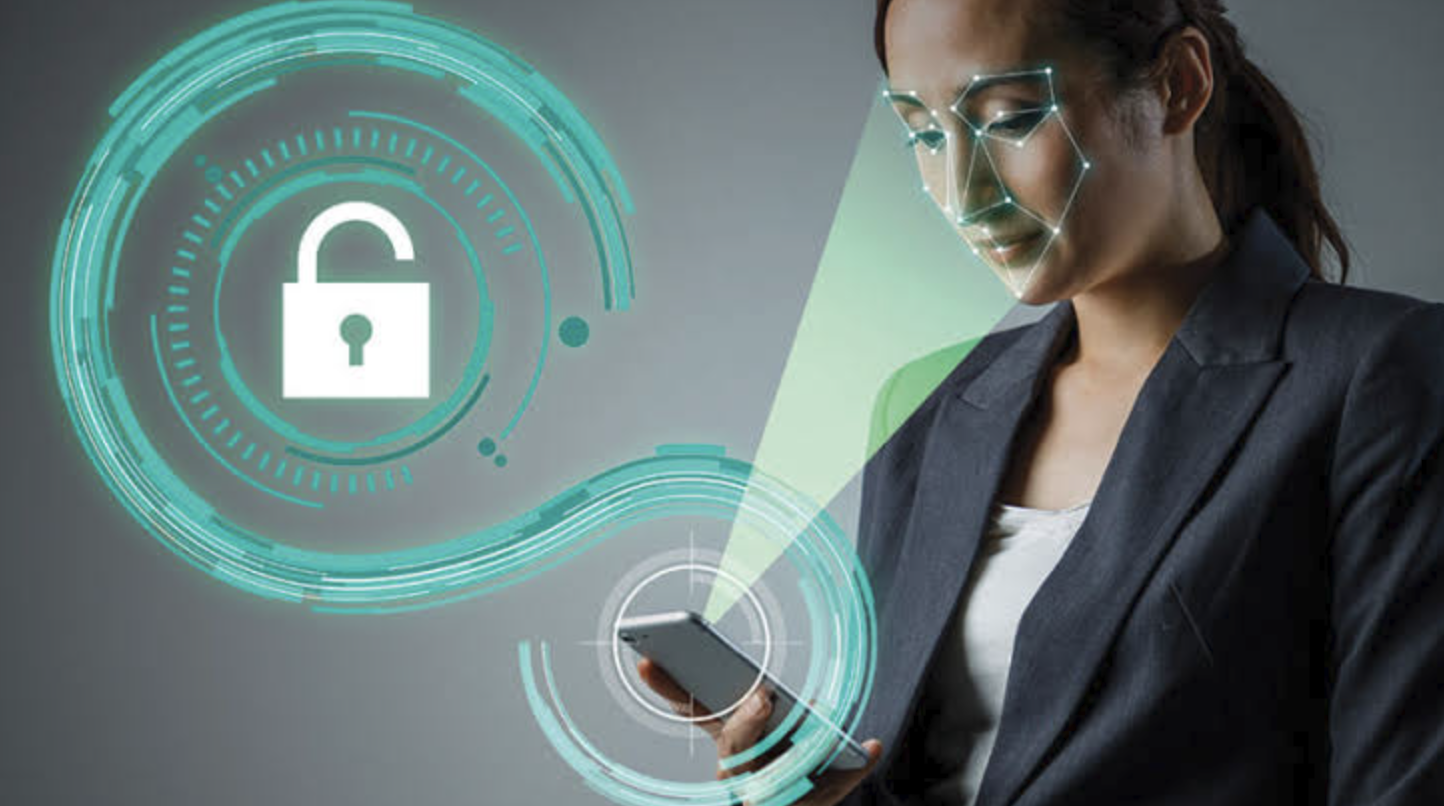
You have probably used facial recognition technology without giving much thought to what happens behind the screen.
Your phone may unlock when it recognizes your face. An airport may use facial scanning as part of an identity-checking process. A security system may compare a person’s face with an approved list. Even some online services use facial technology to help verify someone’s identity.
Although these systems can seem almost instantaneous, several steps happen between showing your face to a camera and receiving an authentication result.
Facial recognition technology uses cameras, image-processing techniques, computer vision, and pattern-matching algorithms to analyze characteristics of a face. Depending on the system, the technology can be used to verify a claimed identity, identify someone from a group of known people, or simply detect whether a face is present.
So, how does facial recognition actually work?
Let’s break the technology down into simple steps.
What Is Facial Recognition Technology?
Facial recognition is a type of biometric technology that analyzes characteristics of a person’s face.
Unlike a password, which depends on information you remember, facial recognition uses physical characteristics to help determine identity.
A typical system may analyze features such as:
- The relative position of the eyes
- Nose and mouth characteristics
- Facial proportions
- The shape and structure of the face
- Distances between certain facial landmarks
- Other visual patterns that help distinguish one face from another
The exact features and methods depend on the technology being used.
Modern systems generally don’t simply compare two photographs pixel by pixel. Instead, they use mathematical representations of facial characteristics and compare those representations.
This allows a system to determine whether two facial samples are sufficiently similar according to its matching criteria.
How Does Facial Recognition Work?
Although different systems use different techniques, facial recognition generally follows several stages.
1. A Camera Captures an Image
The first step is capturing an image or video frame containing a person’s face.
A camera may be built into a smartphone, computer, security system, or specialized device.
The quality of this image can affect how well the system performs.
Lighting, camera angle, distance, movement, and image quality can all influence the result.
2. The System Detects the Face
Next, computer vision software determines whether a face appears in the image.
This stage is known as face detection.
Face detection and facial recognition are not the same thing.
Face detection answers:
“Is there a face in this image, and where is it?”
Facial recognition goes further by attempting to determine whether that face matches a particular person or identity.
A system may detect multiple faces in one image before deciding which ones should be analyzed.
3. Facial Features Are Analyzed
Once a face has been detected, the system examines relevant characteristics.
It may identify facial landmarks and relationships between different parts of the face.
For example, the system might analyze the position of the eyes relative to the nose and mouth, along with broader patterns associated with facial structure.
Modern systems can use machine-learning models to learn useful representations from large datasets.
4. The Face Is Converted Into a Mathematical Representation
Instead of keeping the face as an ordinary photograph for every comparison, many recognition systems generate a mathematical representation of facial characteristics.
This representation is sometimes called a face template or embedding, depending on the system.
You can think of it as a numerical description of important facial patterns.
The purpose is to make it possible for software to compare one facial sample with another.
5. The System Compares the Samples
The new facial representation is compared with one or more stored references.
The system calculates a similarity score or another measurement that indicates how closely the samples match.
If the similarity meets the system’s required threshold, the result may be treated as a match.
6. The System Makes a Decision
Finally, the system produces a result.
It may say that the face matches the enrolled user.
Alternatively, it may determine that there is no sufficient match.
The entire process can happen very quickly, sometimes without you noticing the individual stages.
Facial Verification vs Facial Identification
One of the most important distinctions in facial recognition is the difference between verification and identification.
Facial Verification
Verification asks:
“Are you the person you claim to be?”
For example, you may already have an account or device associated with your identity.
The system compares your face with your previously enrolled biometric reference.
This is often described as a one-to-one comparison.
Facial Identification
Identification asks:
“Who is this person?”
The system may compare a facial sample against a database containing multiple people.
This is closer to a one-to-many comparison.
The distinction matters because identification can involve different technical, privacy, and legal considerations than verification.
What Role Does Artificial Intelligence Play?
Artificial intelligence and machine learning have become important components of modern facial recognition systems.
Traditional computer vision approaches relied heavily on manually designed rules and features.
Modern machine-learning systems can instead learn patterns from large collections of training data.
A neural network can be trained to recognize useful characteristics of faces and produce representations that help distinguish one person from another.
The system doesn’t necessarily need to understand a face in the same way a human does.
Instead, it learns mathematical patterns that are useful for the particular task.
This is one reason modern facial recognition can handle variations in facial appearance better than some older approaches.
How Does Facial Recognition Handle Different Conditions?
Real-world images are rarely perfect.
You might be photographed in bright sunlight, poor lighting, from an angle, or while moving.
You may also wear glasses, change your hairstyle, or have other temporary differences in appearance.
Facial recognition systems can use different techniques to deal with some of these variations.
Better cameras can capture more detailed information.
Software can normalize images or align faces before analysis.
Machine-learning models can also be trained using varied examples.
However, no facial recognition system performs perfectly under every condition.
Extreme angles, poor lighting, low-quality images, occlusion, and significant changes in appearance can still affect accuracy.
What Is Liveness Detection?
One important security feature in some facial authentication systems is liveness detection.
The goal is to determine whether the system is interacting with a real person rather than a photograph, video, mask, or another artificial representation.
Depending on the technology, liveness detection can look for different visual, depth, motion, or other signals.
Some smartphone systems use specialized sensors to gather additional information about the user’s face.
This makes it more difficult for someone to fool the system using a simple picture.
The exact security techniques vary considerably between devices and services.
Where Is Facial Recognition Used?
Facial recognition technology is used in a growing number of situations.
Smartphones
One of the most familiar uses is device authentication.
Your phone can compare your face with the biometric information enrolled during setup.
Airport and Travel Systems
Some airports and travel services use biometric technology for identity verification.
The goal can be to make certain parts of the travel process faster while confirming that the person matches the relevant identity record.
Security Systems
Organizations may use facial recognition as part of access-control or security systems.
For example, a system could compare a person’s face against an authorized-user database.
Online Identity Verification
Some digital services use facial technology as part of identity verification.
A user may be asked to capture a selfie that can be compared with an identity document or previously established biometric information.
Retail and Other Environments
Facial recognition has also been explored for applications such as customer analytics, security, and personalized services.
However, these uses can raise significant privacy questions, particularly when people are scanned without actively choosing to participate.
What Are the Advantages of Facial Recognition?
Facial recognition can provide several practical benefits.
Convenience
You don’t need to type a password or enter a PIN every time you authenticate.
Speed
Facial matching can happen quickly, making it useful for situations where many people need to be processed efficiently.
Contactless Authentication
Unlike fingerprint sensors, facial recognition doesn’t require you to physically touch a device.
Automation
Computer vision systems can analyze large numbers of images or video frames much faster than manual identification in some circumstances.
Additional Security
When properly designed, facial recognition can be used as one layer of a broader security system.
However, the effectiveness depends heavily on implementation.
What Are the Privacy Concerns?
Facial recognition raises important privacy questions because your face is a biometric characteristic.
If an organization collects your facial information, you may reasonably want to know what happens to it.
Important questions include:
- Is the facial data stored?
- Is it processed locally or remotely?
- How long is it retained?
- Who can access it?
- Is it shared with other organizations?
- Can you request deletion?
- Are you informed before scanning occurs?
- What legal rules apply?
The answers vary depending on the system and jurisdiction.
A major difference between a phone’s local facial authentication and a large-scale surveillance system is how the technology is deployed and what information is collected.
Therefore, simply saying “facial recognition” doesn’t tell you everything about the privacy implications.
Can Facial Recognition Make Mistakes?
Yes.
Like other biometric systems, facial recognition can produce incorrect results.
Two types of errors are particularly important.
False Match
A system may incorrectly determine that two different people are the same person.
False Non-Match
A system may fail to recognize the legitimate person.
The likelihood of these errors depends on factors such as the algorithm, image quality, threshold settings, database, environment, and demographic characteristics of the system’s training and evaluation data.
This is why facial recognition should not automatically be treated as infallible.
For high-stakes applications, accuracy and error rates require especially careful evaluation.
Is Facial Recognition Secure?
Facial recognition can be a useful security technology, but security depends on how it is implemented.
A well-designed authentication system can combine facial recognition with secure hardware, encryption, liveness detection, access controls, and other safeguards.
However, facial recognition shouldn’t be considered a complete security solution by itself.
If you’re using facial recognition to protect an important account or device, it is worth understanding the backup authentication method as well.
For example, your device may still require a passcode under certain circumstances.
Keeping your operating system updated and using strong account security can also reduce other risks.
Facial Recognition vs Face Detection
These terms are sometimes used interchangeably, but they describe different processes.
Face detection involves recognizing whether a face is present and pinpointing its position within an image or scene.
For example, your camera app may detect several faces so it can focus on them.
Facial recognition attempts to determine whether the detected face matches a known identity.
A camera can therefore have face detection without performing facial recognition.
This distinction is particularly important when discussing privacy.
A system that detects faces in an image isn’t necessarily identifying the people in that image.
What Is the Future of Facial Recognition Technology?
Facial recognition is likely to continue developing as computer vision and artificial intelligence improve.
Future systems may become better at dealing with difficult lighting, angles, movement, and other real-world conditions.
We may also see more sophisticated combinations of facial recognition with depth sensing, liveness detection, device-based security, and other biometric technologies.
At the same time, privacy, transparency, consent, and regulation will remain important issues.
The technology can be useful, but how it is deployed matters just as much as how accurate the underlying algorithm is.
A facial recognition system used voluntarily to unlock your own phone is very different from a system that scans large groups of people without their knowledge.
As the technology becomes more capable, society will continue to debate where and how it should be used.
How to Use Facial Recognition Safely
If you use facial recognition on your phone or another personal device, a few basic practices can help.
Keep your device updated. Security updates can address vulnerabilities affecting the operating system and authentication features.
Use a strong backup passcode. Your passcode remains important because biometric systems can require it under certain circumstances.
Check privacy settings. Understand which apps and services have permission to access your camera or biometric features.
Be selective with biometric services. Before submitting your face to an unfamiliar service, find out why it needs your information and how that information will be handled.
Use additional security controls. For sensitive accounts, use multi-factor authentication or passkeys where available.
Final Thoughts
Facial recognition technology may look simple from the outside. You look at a camera, the system scans your face, and access is granted or denied.
Behind that quick interaction, however, is a sophisticated process involving image capture, face detection, feature analysis, mathematical representations, machine-learning models, and biometric matching.
The technology can make authentication faster and more convenient, and it has applications ranging from smartphones and identity verification to travel and security systems.
At the same time, facial recognition comes with important limitations.
It can make mistakes, biometric information requires careful protection, and large-scale facial recognition can raise serious privacy and ethical questions.
The most important thing to remember is that facial recognition isn’t simply about recognizing a face. It is about how that recognition technology is designed, what information it uses, where the information goes, and what happens after a match is made.
As facial recognition continues to develop in 2026 and beyond, understanding those details will help you make more informed decisions about the technology you use every day.
Frequently Asked Questions
1. How does facial recognition work in simple terms?
Facial recognition captures an image of a face, detects important facial characteristics, creates a mathematical representation, and compares it with one or more stored references to determine whether there is a sufficient match.
2. Is facial recognition the same as face detection?
No. Face detection determines whether a face is present and where it appears in an image. Facial recognition goes further by attempting to determine whether the face matches a known person.
3. Can facial recognition be fooled?
Some systems can potentially be attacked using photographs, videos, masks, or other techniques. Modern authentication systems can use liveness detection and additional sensors to make these attacks more difficult, but no biometric system should be considered completely immune to attack.
4. Is facial recognition safe for privacy?
It depends on how the technology is implemented. A device that processes biometric information locally can have different privacy implications from a system that collects and stores facial information in a centralized database.
5. Where is facial recognition technology used?
It is used in smartphones, identity verification, some airport and travel systems, access-control systems, security applications, and various other computer-vision services.
6. Can facial recognition make mistakes?
Yes. Facial recognition systems can produce false matches or fail to recognize a legitimate person. Performance depends on factors such as image quality, algorithm design, environmental conditions, and system configuration.