

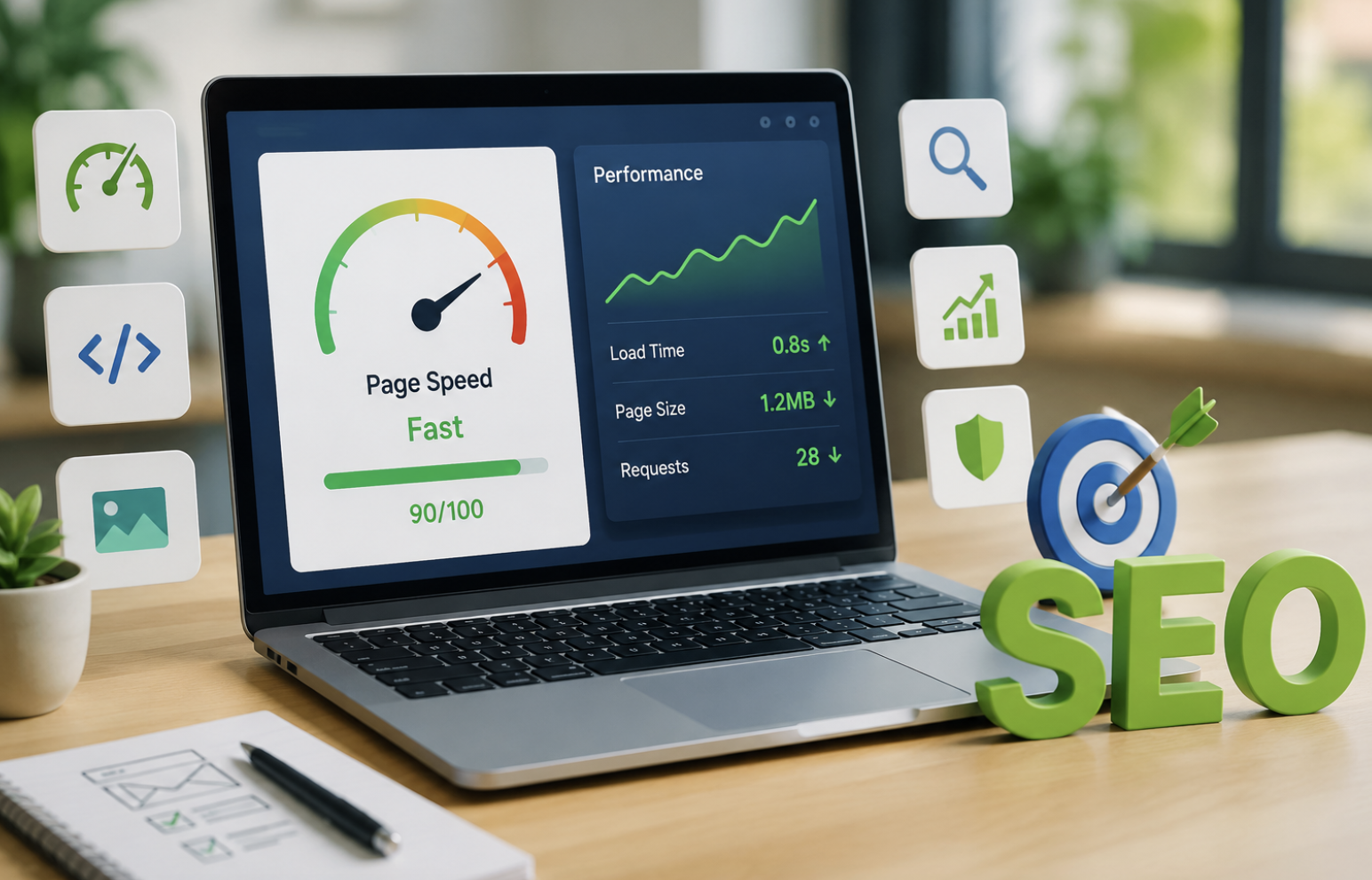
A website can have excellent content, strong backlinks, and perfect keywords. Yet, visitors may leave before discovering any of it if the pages load slowly. In today’s search landscape, website speed and SEO are closely connected. Every second matters when people browse websites on phones, tablets, and computers. A slow page creates frustration before visitors even see your message. Meanwhile, search engines increasingly evaluate real-world page experiences alongside relevance, authority, and technical quality.
Therefore, improving website performance is no longer simply a design preference. It has become an important part of building sustainable organic visibility. Businesses can also work with experienced professionals offering SEO services Dallas TX to identify technical weaknesses and improve search performance.
However, speed involves much more than reducing image sizes. Hosting, caching, JavaScript, fonts, redirects, databases, mobile optimization, and third-party tools can all influence performance. Understanding these factors can help businesses create faster websites that satisfy both users and search engines.
Why Website Speed Matters for SEO
Search engines aim to provide useful results and satisfying experiences. Consequently, technical performance can influence how effectively users access and interact with your content. Google considers how users experience a webpage as one of the factors in its overall ranking process. However, speed does not operate as an isolated ranking shortcut. High rankings still depend on relevance, quality, authority, and many other signals.
Nevertheless, a slow website can weaken your overall SEO strategy. Visitors may abandon pages before engaging with your content. They may also avoid completing forms, exploring products, or visiting additional pages.
Additionally, poor performance can make websites harder to crawl efficiently. Large websites with thousands of URLs can particularly benefit from faster server responses and cleaner technical architecture. Therefore, speed should support your wider SEO strategy rather than replace other optimization efforts.
Core Web Vitals: The Performance Metrics You Cannot Ignore
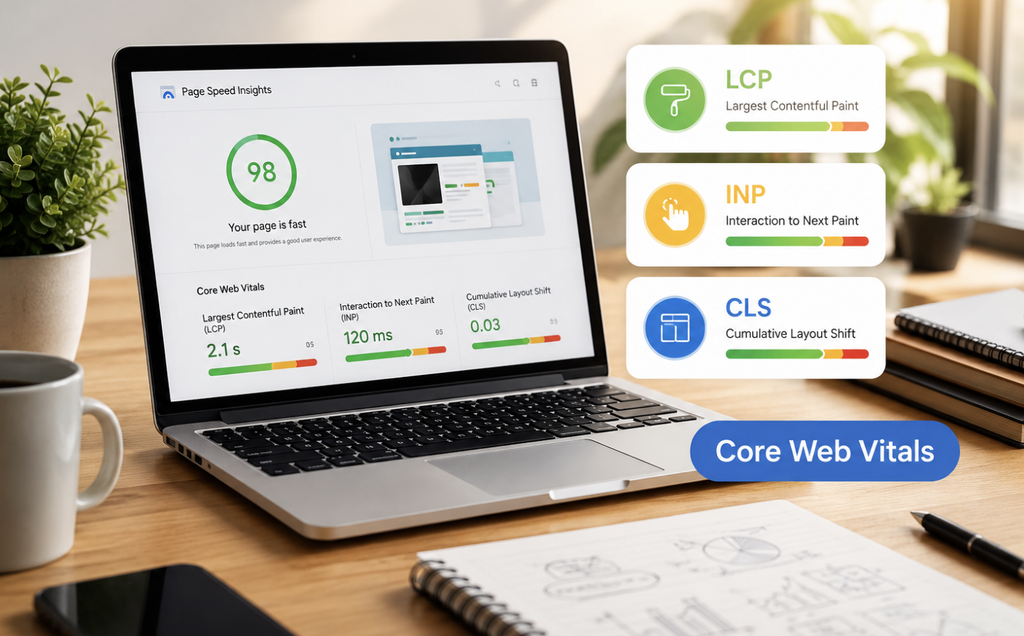
Core Web Vitals provide important measurements for understanding real-world page experience. They focus primarily on loading performance, responsiveness, and visual stability.
Largest Contentful Paint
Largest Contentful Paint, or LCP, measures when the main content becomes visible. Google considers an LCP of 2.5 seconds or less a good result.
However, achieving that result requires more than compressing a single image. Server response time, rendering resources, CSS, fonts, and content delivery can all affect LCP.
For example, a large hero image can delay the most important visual element. Optimizing that image can therefore improve perceived loading speed.
Interaction to Next Paint
Interaction to Next Paint, or INP, evaluates how quickly pages respond to user interactions. It took the place of First Input Delay as one of Google’s Core Web Vitals.
Heavy JavaScript often causes poor responsiveness. Therefore, reducing unnecessary scripts can help browsers respond faster when visitors click, tap, or type.
Cumulative Layout Shift
Cumulative Layout Shift, known as CLS, measures unexpected movement during page loading. Imagine clicking a button while an advertisement suddenly pushes it downward. That experience feels frustrating and can cause accidental clicks.
Developers can reduce layout shifts by reserving space for images, advertisements, videos, and dynamic elements.
How Slow Loading Changes User Behavior
Website speed can influence how visitors behave once they land on your site from search results. A visitor who encounters a blank screen may immediately return to the search page. Consequently, businesses can lose valuable opportunities even when their content matches search intent. Slow pages can contribute to several problems:
- Visitors may abandon pages before reading the content.
- Customers may leave complicated checkout processes.
- Users may explore fewer pages during a session.
- Mobile visitors may avoid returning to the website.
- Forms may receive fewer completed submissions.
- Product pages may generate fewer purchases.
However, marketers should avoid treating bounce rate as a direct Google ranking signal. Instead, consider it a useful business and engagement indicator. When performance improves, visitors generally receive a smoother path toward the information or action they want.
Mobile Website Speed Has Become Essential
Mobile performance deserves special attention because many people access websites through smartphones. Mobile users may browse through slower cellular connections or devices with limited processing power. Therefore, a website that performs well on a powerful desktop computer may struggle on a smartphone.
Responsive design alone does not guarantee fast performance. Developers should also optimize mobile images, scripts, fonts, layouts, and server responses.
Moreover, mobile users often browse while multitasking. They expect websites to respond quickly without consuming unnecessary data. A lightweight mobile experience can therefore support stronger engagement and better conversions.
The Technical Problems That Commonly Slow Websites
Several technical issues can quietly reduce website performance. Finding them requires regular testing rather than occasional visual checks.
Oversized Images and Videos
Large media files remain one of the most common performance problems. Modern formats such as WebP and AVIF can reduce image weight while maintaining good visual quality. Additionally, responsive images can deliver appropriately sized files for different screens. Lazy loading can also prevent below-the-fold images from loading unnecessarily early.
However, important above-the-fold images should receive careful treatment. Delaying critical visual content can sometimes make performance worse.
Excessive JavaScript
JavaScript can provide powerful functionality. Nevertheless, excessive scripts can consume processing resources and delay interactions.
Third-party analytics, chat tools, advertising systems, social widgets, and tracking platforms can add significant overhead.
Therefore, businesses should regularly review which scripts provide genuine value. Removing unnecessary code can improve both performance and maintainability.
Render-Blocking Resources
Browsers need to process certain resources before displaying content. Large CSS files and poorly managed JavaScript can delay rendering.
Developers can improve performance by minifying files, removing unused CSS, deferring non-critical scripts, and loading essential resources efficiently. Critical CSS can also help browsers display important content sooner.
Slow Server Response Time
Website speed begins before the browser receives most page resources. If a server takes too long to respond, every later optimization faces a disadvantage. Hosting quality, database queries, server configuration, traffic levels, and application architecture can influence server response time. A reliable hosting environment and optimized backend can therefore provide a stronger foundation.
Too Many Plugins
Content management systems make website development easier through plugins and extensions. However, installing too many plugins can increase database queries, scripts, stylesheets, and maintenance requirements.
Regular audits can identify outdated or unnecessary plugins. Removing unused extensions can simplify the website and reduce potential performance problems.
Caching Can Dramatically Improve Performance
Caching allows frequently requested information to load faster. Browser caching stores selected resources locally. Server-side caching can reduce repeated processing. Content delivery networks can also cache static assets across geographically distributed servers. As a result, visitors can receive resources from locations closer to them.
Effective caching becomes particularly valuable for websites with recurring visitors or substantial traffic. Nevertheless, caching configurations should be tested carefully to avoid serving outdated content.
Content Delivery Networks and Website Speed
A Content Delivery Network (CDN) spreads website files and resources across a network of servers worldwide. Without a CDN, users located far from the origin server may experience longer network delays. CDNs position static website elements nearer to users, reducing load times and enhancing performance. This approach can improve delivery for images, stylesheets, scripts, and other cacheable resources.
Furthermore, CDNs can provide additional reliability during traffic spikes. Therefore, they can support both performance and website resilience.
How Website Architecture Influences Performance
Website structure can affect more than navigation. A complicated architecture may create unnecessary redirects, deep page paths, duplicate resources, and inefficient database queries. A cleaner structure helps users and search engine crawlers discover important content more efficiently.
Internal linking also matters. Strong contextual links guide visitors toward related information while helping search engines understand relationships between pages.
For businesses comparing local SEO vs traditional SEO, technical performance remains important regardless of the chosen strategy.
Website Speed and Crawl Efficiency
Search engine crawlers must process enormous amounts of web content. Large websites can especially benefit from efficient server performance. Slow responses may make crawling less efficient when thousands of URLs require processing.
However, crawl budget should not become an obsession for small websites. Most smaller sites do not face serious crawl-budget limitations.
Instead, businesses should focus first on crawlability, indexability, site architecture, valuable content, and server reliability.
How Speed Can Improve Conversion Rates
SEO brings visitors, but performance helps determine what happens afterward. A potential customer may arrive through an organic search result and encounter a slow product page. That delay can reduce confidence before the customer even evaluates the offer.
Fast interactions create a smoother buying journey. Forms open quickly, product images appear sooner, and checkout steps respond more reliably. Consequently, performance optimization can support revenue as well as search visibility.
Practical Ways to Improve Website Performance
Businesses can take several practical steps to create faster websites. First, measure performance before making changes. Tools such as PageSpeed Insights can identify problems affecting loading, responsiveness, and stability. Next, optimize images and remove unnecessary media. Then, reduce unused JavaScript and CSS wherever possible.
Afterward, review hosting performance and server response times. Implement caching and consider a CDN when appropriate.
Additionally, reduce unnecessary redirects and improve font loading. Self-hosting essential fonts can sometimes reduce external requests and improve control. Finally, monitor performance continuously rather than treating optimization as a one-time project.
Why Regular Performance Audits Matter
Websites constantly change. A developer may install a new plugin today. A marketer may upload a large video tomorrow. Another team member may add several tracking scripts next month. Each change can influence performance.
Therefore, regular audits help businesses detect problems before they become major obstacles. Monitoring real-user performance can also reveal issues that laboratory testing may miss. The goal should be continuous improvement rather than chasing a perfect score.
Website Speed Is More Than a Ranking Factor
Website speed should not be viewed as a simple strategy for gaining higher rankings. Instead, it represents the intersection of SEO, user experience, accessibility, technical quality, and business performance. A fast website allows visitors to reach content more efficiently. It also creates smoother interactions and reduces unnecessary friction. Meanwhile, a technically healthy website gives search engines a cleaner environment for crawling and understanding content.
However, speed should always support valuable content rather than replace it. A fast website with poor information will not automatically outperform a slower website offering significantly better answers.
The strongest strategy combines useful content, relevant keywords, authoritative links, strong technical SEO, mobile usability, and reliable performance.
Conclusion: Make Website Performance Part of Your SEO Strategy
Website speed has evolved from a technical concern into an important digital business priority. Fast-loading pages create better experiences, support engagement, and help visitors reach important content sooner. Meanwhile, Core Web Vitals provide useful benchmarks for evaluating real-world performance. Therefore, businesses should regularly review images, scripts, hosting, caching, plugins, fonts, databases, and third-party integrations.
More importantly, optimization should continue after the first successful audit. Websites change constantly, and new performance problems can appear without warning.
A sustainable SEO strategy treats speed as an ongoing responsibility. When technical performance works alongside valuable content and strong search optimization, websites can create better experiences and compete more effectively for organic traffic.
Frequently Asked Questions
1. Does website speed directly affect SEO rankings?
Website speed contributes to page experience, but relevance, content quality, authority, and other signals also influence rankings.
2. What is a good website loading speed?
Aim for an LCP of 2.5 seconds or less while maintaining strong responsiveness and visual stability.
3. What are Core Web Vitals?
Core Web Vitals are Google metrics measuring loading performance, responsiveness, and visual stability.
4. What can I do to speed up my website?
Compress images, optimize code, improve hosting, enable caching, reduce scripts, and use a CDN when appropriate.
5. Can large images hurt SEO?
Yes, oversized images can increase loading times and create a poorer user experience.
6. Does mobile speed matter for SEO?
Yes, mobile performance matters because Google evaluates websites primarily through mobile-oriented crawling and experiences.
7. Can too many plugins slow down WordPress websites?
Yes, poorly optimized or unnecessary plugins can add scripts, database queries, and other performance overhead.
8. Does a CDN improve website speed?
A CDN can improve asset delivery by serving cached resources from servers closer to website visitors.
9. How often should website speed be tested?
Test performance regularly, especially after major design, plugin, content, hosting, or development changes.
10. Is website speed the only factor affecting SEO?
No, SEO also depends on content quality, relevance, technical health, links, search intent, usability, and many other factors.