

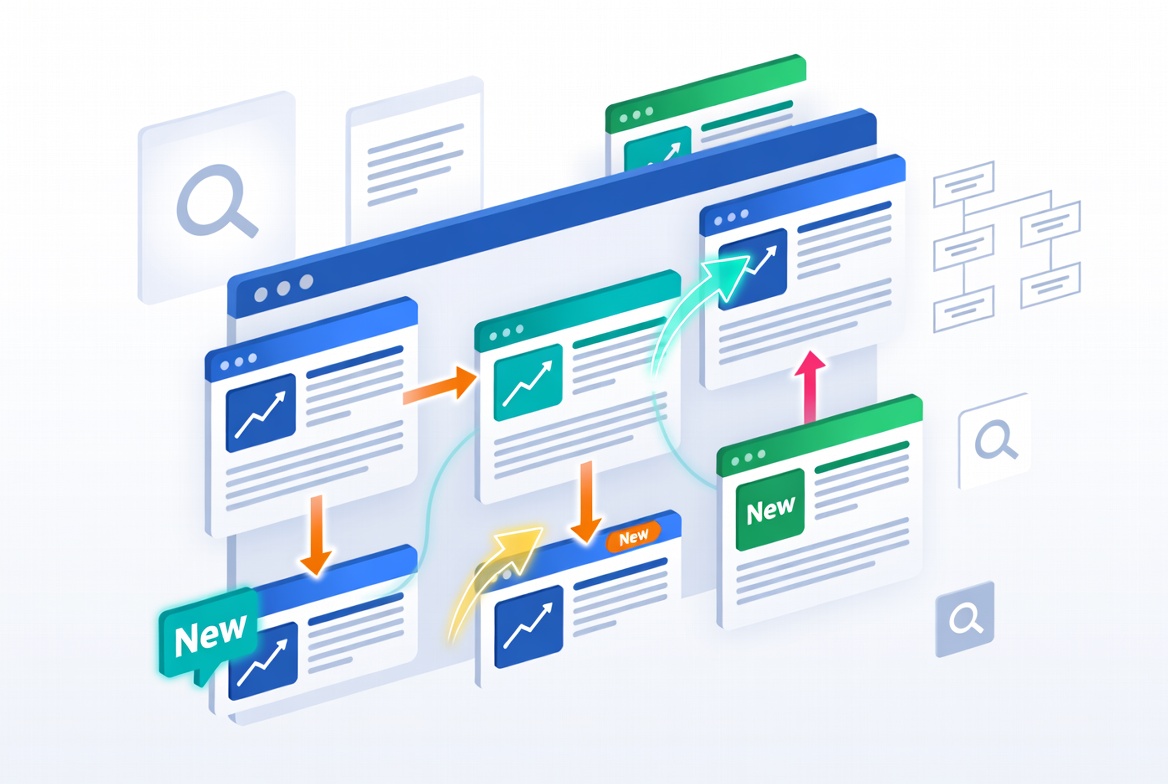
If you’ve ever published a great blog post only to watch it disappear into your archive after a few weeks, you’re not alone. Most websites have dozens, or even hundreds, of older articles that continue attracting visitors from search engines. Meanwhile, new content often struggles to gain traction because it has little authority, few backlinks, and limited visibility.
This is where internal linking becomes one of the most overlooked growth strategies in SEO.
Learning how to use internal links to move traffic from old articles to new ones allows you to take advantage of pages that already receive consistent visitors. Instead of waiting months for a new article to rank, you can guide readers from your established content directly to your latest resources.
The best part? You’re helping both users and search engines at the same time.
In this guide, you’ll learn exactly how internal linking works, why it matters, how to identify the right opportunities, and how to build an internal linking strategy that continues driving traffic long after you hit “Publish.”
What Are Internal Links?
Internal links are clickable connections within your website that direct visitors from one page to another page hosted on the same site.
For example, imagine you run a digital marketing blog.
You publish an article called:
- “The Complete Guide to Email Marketing“
A few months later, you publish:
- “How to Write High-Converting Welcome Emails”
Instead of leaving the newer article isolated, you update your older email marketing guide by adding a sentence like:
“If you’re setting up your first campaign, here’s a detailed guide on writing high-converting welcome emails.”
That simple link introduces existing readers to newer content while helping search engines discover and understand the relationship between both pages.
Why Internal Links Matter for SEO
Many people think backlinks are the only links that matter.
They’re incredibly important, but internal links give you complete control over how authority and visitors move throughout your website.
Good internal linking helps:
- Pass authority between pages
- Improve crawling and indexing
- Increase page views
- Reduce bounce rate
- Keep visitors engaged longer
- Help search engines understand topical relevance
- Improve user experience
Google itself recommends creating a logical internal linking structure because it helps search engines discover important content more efficiently.
For newer articles especially, internal links often become the fastest source of qualified traffic.
Why Older Articles Are Your Best Traffic Source
Here’s something many bloggers overlook.
Your older content has already done the hard work.
It may already have:
- High Google rankings
- Backlinks from other websites
- Social shares
- Established authority
- Consistent monthly visitors
Instead of treating these articles as “finished,” think of them as traffic hubs.
Every visitor arriving on those pages represents an opportunity to introduce related, newer content.
Imagine an article published three years ago that still receives 12,000 visitors every month.
Adding just two relevant internal links could send hundreds, or even thousands, of readers to recently published posts without spending anything on advertising.
How to Identify the Best Old Articles for Internal Linking
Not every old article deserves equal attention.
Start with pages that already receive steady organic traffic.
You can identify them using tools such as:
- Google Search Console
- Google Analytics
- Ahrefs
- Semrush
Look for pages with:
- High organic traffic
- Strong keyword rankings
- Many backlinks
- Long average engagement time
- Evergreen topics
For example:
Suppose your website covers fitness.
Your most popular articles might include:
- Beginner workout plans
- Weight loss tips
- Nutrition basics
- Protein guide
- Home workouts
Each time you publish related content, these pages become ideal places to insert contextual internal links.
Match Related Content Naturally
One of the biggest internal linking mistakes is forcing unrelated links into an article.
Readers notice.
Search engines do too.
Instead, ask yourself:
“What additional information would genuinely help someone reading this section?”
For example:
Old article:
Best Running Shoes for Beginners
New article:
How to Prevent Running Injuries
That’s a natural relationship.
However, linking from “Best Running Shoes” to “How to Start a Podcast” would make little sense.
Relevance always comes before quantity.
Add Links Inside the Main Content
The placement of your internal links matters.
Contextual links placed within paragraphs generally carry more value than links buried in sidebars or footers.
Compare these two examples.
Weak internal link
Related Posts:
- Article A
- Article B
- Article C
Readers often ignore these.
Now compare that to this:
Wearing the right shoes reduces impact, but proper running form matters just as much. Here’s a complete guide to preventing common running injuries.
This feels natural because it solves the reader’s next question.
Use Descriptive Anchor Text
The clickable words or phrase in a hyperlink are known as the anchor text.
Instead of writing:
- Click here
- Read more
- Learn more
Use descriptive phrases.
Better examples include:
- how to build an email list
- beginner SEO checklist
- content marketing strategy
- keyword research guide
- technical SEO audit process
Descriptive anchor text helps both users and search engines understand what they’ll find after clicking.
Avoid stuffing keywords into every anchor. Write the way you naturally speak.
Update Old Content Regularly

One mistake many websites make is publishing articles and never touching them again.
Successful websites revisit older content every few months.
During an update, you can:
- Add links to newer posts
- Remove outdated references
- Improve examples
- Refresh statistics
- Expand thin sections
- Replace broken links
Search engines often reward fresh, well-maintained content.
As a bonus, regular updates give you new opportunities to guide readers toward your latest articles.
Create Topic Clusters Instead of Random Links
Internal linking works best when content is organized around related topics.
This is commonly known as a topic cluster.
Imagine your website focuses on personal finance.
Your main guide might be:
Complete Beginner’s Guide to Investing
Supporting articles could include:
- Index funds explained
- ETF investing
- Retirement planning
- Risk management
- Dividend investing
- Asset allocation
Every supplementary article connects back to the primary guide through internal links.
The central guide directs visitors to each of the supporting articles via outbound links.
This creates a network that strengthens the entire topic instead of isolated pages competing against one another.
Use a Content Audit to Find Linking Opportunities
As your website grows, remembering every published article becomes impossible.
A content audit helps uncover hidden opportunities.
Create a spreadsheet including:
- Article title
- Primary keyword
- Publication date
- Monthly traffic
- Related newer articles
- Internal links added
- Pages needing updates
This process often reveals dozens of opportunities you missed earlier.
Many websites discover that a single popular article could naturally link to five or six newer resources.
Prioritize Pages That Need a Visibility Boost
Not every new article requires the same level of support.
Focus your internal links on pages that:
- Recently went live
- Rank on page two of Google
- Have high impressions but low clicks
- Cover important commercial topics
- Generate leads or sales
These pages often benefit the most from additional internal authority.
Real-World Example: A Travel Blog
Imagine a travel blogger who published this article in 2021:
25 Things to Do in Paris
It consistently attracts around 20,000 visitors each month.
In 2025, the blogger publishes several new articles:
- Best Cafés in Paris
- Three-Day Paris Itinerary
- Paris Metro Guide
- Budget Hotels in Paris
- Hidden Neighborhoods in Paris
Rather than waiting for these new articles to rank independently, the blogger updates the original guide.
Throughout the article, relevant sections naturally point readers toward the newer resources.
Someone reading about sightseeing might also want a detailed itinerary.
Someone planning transportation might appreciate a metro guide.
Within weeks, these new pages begin receiving targeted traffic from readers already interested in Paris travel.
That’s exactly how internal linking compounds over time.
Common Internal Linking Mistakes
Even experienced website owners make these mistakes.
Adding Too Many Links
A paragraph packed with links becomes distracting.
Only link where it genuinely helps readers.
Quality beats quantity.
Using the Same Anchor Text Everywhere
Repeating identical anchor text hundreds of times looks unnatural.
Mix variations naturally.
For example:
- beginner SEO guide
- SEO guide for beginners
- learn SEO fundamentals
All describe the same topic while sounding more natural.
Linking to Irrelevant Pages
Every link should answer the reader’s next logical question.
If it doesn’t, leave it out.
Forgetting Older Articles
Many publishers only link from new content to old content.
Reverse the process.
Older, high-authority pages often provide far more value when linking to newer ones.
Ignoring User Experience
Internal links should never interrupt the reading flow.
Readers should feel they’re discovering useful information, not being pushed around your website.
Measuring Whether Your Internal Links Are Working
After updating your articles, monitor the results.
Useful metrics include:
- Click-through rate on internal links
- Average session duration
- Pages per session
- Organic traffic to newer articles
- Keyword ranking improvements
- Reduced bounce rate
- Increased conversions
Google Analytics can show whether visitors are navigating to the pages you’ve linked, while Google Search Console can help you track changes in impressions and rankings over time.
Don’t expect overnight results. Internal linking often delivers gradual improvements as search engines recrawl your updated pages.
Practical Internal Linking Workflow
If you’re publishing content consistently, create a simple routine.
- Publish a new article.
- Find five to ten older articles covering related topics.
- Add one or two contextual links from each older article to the new one.
- Use descriptive, natural anchor text.
- Update the publication date only if you’ve made meaningful improvements.
- Monitor traffic and rankings over the following weeks.
- Consistently apply this linking strategy each time you create and publish new content.
This system scales surprisingly well, even for websites with hundreds of articles.
Internal Linking Opportunities You Shouldn’t Miss
Whenever you publish content, look for natural opportunities to link to related resources such as:
- Beginner guides
- Ultimate tutorials
- Product comparisons
- Case studies
- Industry statistics
- How-to articles
- Frequently asked questions
- Tool reviews
- Checklists
- Templates
For example, if you have articles on keyword research, content optimization, and technical SEO, each can naturally point readers to the others where relevant. This keeps users engaged while reinforcing your site’s topical expertise.
If you’d like to understand Google’s recommendations directly, review Google’s documentation on creating a crawl-friendly site architecture and effective linking practices:Google Search documentation.
It offers guidance on how search engines discover, crawl, and understand the relationships between pages on your website.
Final Thoughts
Knowing how to use internal links to move traffic from old articles to new ones is less about adding more links and more about creating better pathways for readers.
Your older content already has momentum. Instead of letting that traffic stop on a single page, guide visitors toward newer articles that answer their next question, solve the next problem, or help them take the next step.
Over time, this creates a website where every article supports the others. New content gains visibility faster, older content stays useful, visitors explore more pages, and search engines develop a clearer understanding of your site’s expertise.
A thoughtful internal linking strategy isn’t a one-time SEO task. It’s an ongoing habit that continues paying dividends every time you publish something new.
Frequently Asked Questions
1. How many internal links should I add to a blog post?
There’s no universal number. Add as many as are genuinely helpful for readers and relevant to the topic. A comprehensive article may naturally include several contextual internal links without feeling excessive.
2. Should I update old articles every time I publish new content?
If the older article is closely related and receives meaningful traffic, yes. Even adding one relevant internal link can help direct readers to your latest content.
3. Can internal links improve SEO rankings?
Internal links can improve how search engines discover, understand, and prioritize pages. While they aren’t a replacement for high-quality content or backlinks, they play an important role in a strong SEO strategy.
4. What is the best anchor text for internal links?
Use descriptive anchor text that accurately reflects the destination page. Avoid vague phrases like “click here” whenever possible, and write naturally instead of forcing exact-match keywords.
5. Should I link from new articles to old ones or from old articles to new ones?
Ideally, both. New articles should reference relevant existing content, while older, authoritative pages should also be updated to link to newer articles whenever it adds value for readers.
6. How often should I perform an internal linking audit?
For active websites, reviewing your internal links every three to six months is a practical approach. Larger sites that publish frequently may benefit from monthly audits to ensure new content is properly connected.
7. Can too many internal links hurt SEO?
Excessive or irrelevant internal links can reduce clarity for readers and weaken the value of your linking structure. Focus on relevance, context, and usefulness rather than trying to maximize the number of links.