

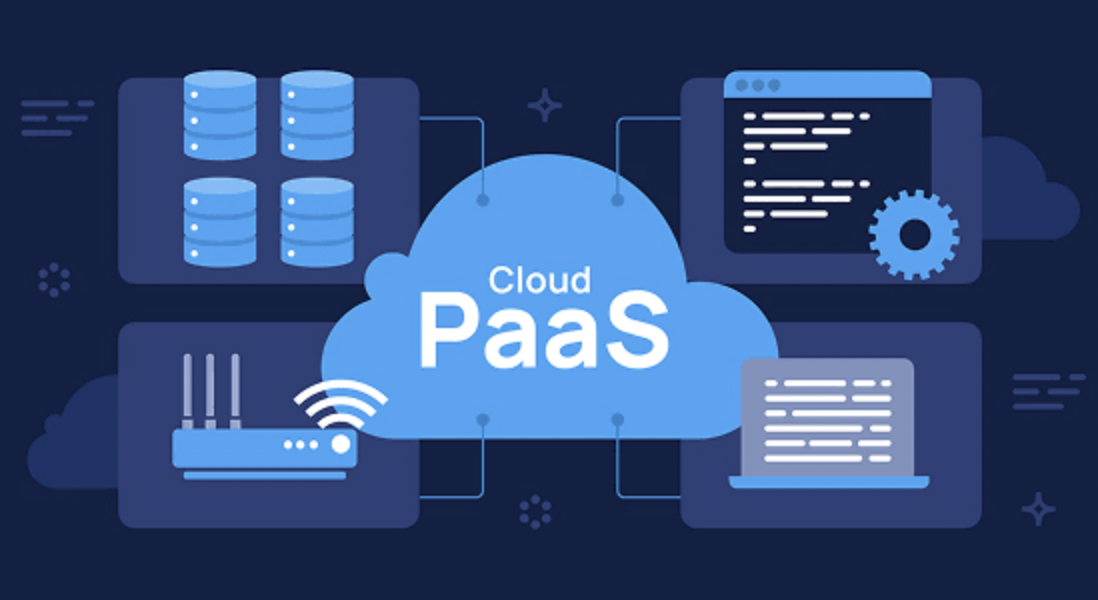
Modern software development is moving faster than ever. Businesses are expected to launch new features quickly, fix bugs faster, and deliver reliable applications across multiple devices. To meet these demands, developers need tools that let them focus on building software instead of managing servers and infrastructure.
This is where Platform as a Service (PaaS) comes in. PaaS provides a complete cloud-based development environment where developers can build, test, deploy, and manage applications without worrying about hardware, operating systems, or server maintenance.
As someone who regularly researches cloud technologies and follows how businesses adopt them, I’ve seen development teams dramatically reduce deployment time after moving to a PaaS platform. One client I worked with migrated a small web application from self-managed servers to a managed platform and cut deployment time from several hours to just a few minutes. That shift allowed the team to spend more time improving the product instead of maintaining infrastructure.
In this guide, you’ll learn what PaaS is, how it works, why developers prefer it, its advantages and limitations, and whether it’s the right choice for your business in 2026.
What Is PaaS?
Platform as a Service (PaaS) is a cloud computing model that provides developers with everything they need to build, run, test, and deploy applications through the internet.
Instead of purchasing servers, installing operating systems, configuring databases, or maintaining networking equipment, developers simply use the platform provided by a cloud vendor.
The provider manages the infrastructure, while developers focus on writing and improving code.
To better understand the foundation of cloud platforms, you can also read our guide on What Is IaaS and How Is It Different From Buying Your Own Servers?.
How PaaS Works?
Think of Platform as a Service (PaaS) as the middle ground, it sits comfortably between the raw infrastructure provided by IaaS and the ready-to-use software offered by SaaS.
The cloud provider manages:
- Physical servers
- Storage
- Networking
- Operating systems
- Runtime environments
- Security updates
Developers manage:
- Application code
- Business logic
- Databases
- Application configuration
This shared responsibility allows development teams to build applications without handling complex infrastructure management.
Microsoft explains that Platform as a Service (PaaS) provides developers with a complete cloud environment for building, deploying, and managing applications without maintaining the underlying infrastructure.
Main Components of a PaaS Platform
Most modern PaaS solutions include:
Development Environment
Developers can immediately start building applications using supported programming languages such as Python, Java, PHP, Node.js, .NET, Ruby, or Go.
Database Services
Most platforms include managed databases like MySQL, PostgreSQL, SQL Server, Redis, or MongoDB.
Deployment Tools
Applications can be deployed automatically using Git, CI/CD pipelines, or command-line tools.
Monitoring and Logging
Built-in dashboards help developers monitor application performance, errors, server health, and usage statistics.
Security Features
Most providers include SSL certificates, access control, backups, firewall protection, and automatic security updates.
Why Developers Love PaaS
Faster Development
Developers no longer spend days configuring servers before writing code.
They can start coding almost immediately after creating a new project.
This significantly shortens development cycles.
No Server Management
One of the biggest advantages of PaaS is eliminating routine infrastructure tasks.
Developers don’t need to:
- Install operating systems
- Configure web servers
- Apply security patches
- Upgrade hardware
- Replace failed disks
Everything is handled by the cloud provider.
Easy Collaboration
Modern development teams often work remotely.
PaaS platforms make collaboration much easier because every team member works within the same cloud environment.
Code sharing, version control, and deployment become more organized.
Automatic Scaling
Traffic isn’t always predictable.
If thousands of users visit an application simultaneously, PaaS can automatically allocate more resources.
When traffic decreases, resources scale back automatically, helping reduce unnecessary costs.
Faster Deployment
Deploying an application often takes just a few clicks or a simple Git push.
Developers spend less time releasing updates and more time building new features.
Popular PaaS Providers
Several cloud providers offer mature PaaS solutions.
Google App Engine
Google App Engine allows developers to deploy applications without managing infrastructure.
It supports multiple programming languages and integrates well with other Google Cloud services.
Microsoft Azure App Service
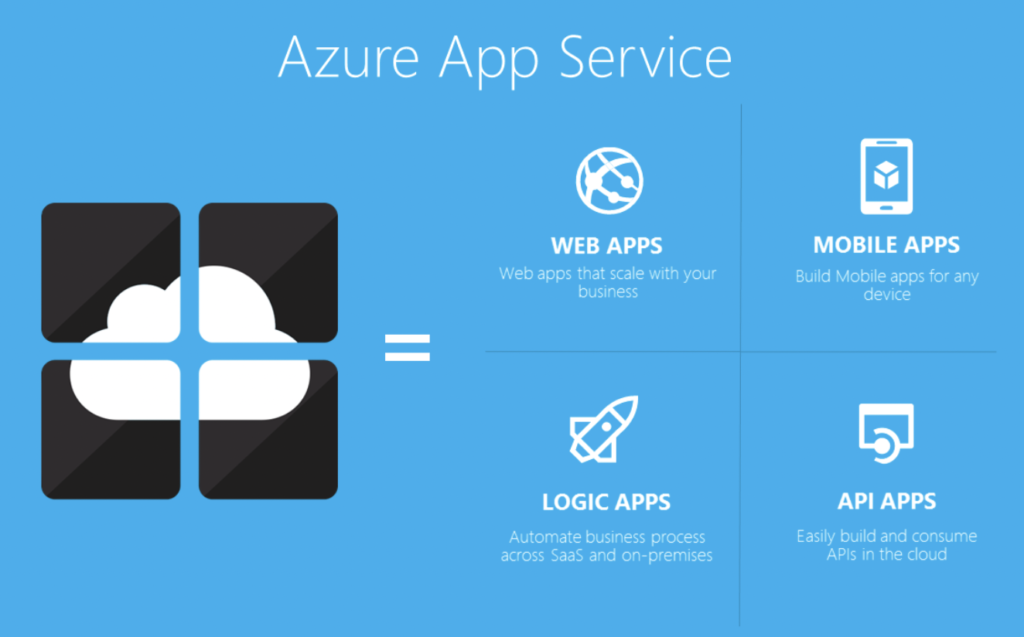
Azure App Service is popular among businesses already using Microsoft technologies.
It supports Windows and Linux applications while integrating with Azure DevOps and Microsoft Entra ID.
AWS Elastic Beanstalk
Elastic Beanstalk simplifies application deployment on AWS.
Developers upload their code, and AWS automatically provisions servers, load balancers, and scaling policies.
Heroku
Heroku is known for its simplicity.
Many startups choose Heroku because applications can be deployed within minutes using Git.
Red Hat OpenShift
OpenShift combines Kubernetes with enterprise management tools, making it suitable for large organizations running containerized applications.
Benefits of Using PaaS
Reduced Costs
Businesses avoid purchasing expensive hardware.
Instead, they pay only for the resources they actually use.
This lowers upfront investment while making IT expenses more predictable.
As your business grows, you may also consider a What Is Multi-Cloud Strategy and Why Companies Are Switching to It in 2026 to improve flexibility and reliability.
Improved Productivity
Because infrastructure management is automated, developers spend more time writing code and solving customer problems.
This often results in faster software releases.
Better Scalability
Applications can grow alongside the business.
Whether serving hundreds or millions of users, resources can usually be adjusted without major infrastructure changes.
Built-In Security
Leading providers invest heavily in cybersecurity.
Although customers remain responsible for securing their applications and user data, providers manage infrastructure security, operating system updates, and many compliance requirements.
Faster Time to Market
New applications can move from development to production much faster than traditional server deployments.
For startups, this speed can create an important competitive advantage.
Challenges of PaaS
Despite its advantages, PaaS isn’t perfect.
Vendor Lock-In
Applications built using provider-specific services may require additional work when moving to another platform.
Businesses should evaluate portability before committing to a provider.
Less Infrastructure Control
Organizations requiring complete control over operating systems or networking may find PaaS too restrictive.
In such cases, IaaS or on-premises infrastructure may be more appropriate.
Compliance Requirements
Some industries require strict data residency or specialized security controls.
Before choosing a platform, businesses should verify that the provider meets their regulatory requirements.
Ongoing Costs
Although startup costs are low, monthly cloud expenses can increase if applications aren’t monitored and optimized regularly.
PaaS vs IaaS vs SaaS
Understanding these cloud models helps businesses choose the right solution.
IaaS provides virtual servers and networking, giving organizations complete infrastructure control.
PaaS builds on top of IaaS by managing the infrastructure while providing development tools.
SaaS delivers finished software that users access through a browser without building or managing anything.
If your goal is software development without server management, PaaS is often the most practical choice.
Real-World Examples
A startup building an online marketplace can use Heroku to launch its application within days instead of spending weeks configuring servers.
A healthcare company developing an internal patient portal may choose Azure App Service because of its enterprise integration and security capabilities.
A global retailer running customer-facing web applications might deploy services through Google App Engine while using managed databases and monitoring tools to simplify operations.
These examples demonstrate how PaaS supports organizations of different sizes and industries.
When Should You Choose PaaS?
PaaS works best if your organization wants to:
- Build web applications quickly
- Develop APIs
- Launch mobile application backends
- Reduce infrastructure management
- Improve developer productivity
- Support remote development teams
- Scale applications automatically
However, if your workloads require specialized hardware, legacy operating systems, or complete infrastructure control, IaaS or private infrastructure may be a better option.
Best Practices
To get the most value from PaaS:
Choose the Right Provider
Evaluate pricing, supported programming languages, security certifications, scalability, and regional availability before making a decision.
Design Cloud-Native Applications
Applications built using containers, microservices, and stateless architectures usually perform better on modern PaaS platforms.
Monitor Costs
Use cost monitoring dashboards and budget alerts to prevent unnecessary spending.
Regularly remove unused resources.
Secure Your Applications
Even though the provider secures the infrastructure, developers remain responsible for application security.
Use strong authentication, encrypt sensitive information, and follow secure coding practices.
The Future of PaaS
PaaS continues to evolve alongside cloud computing.
Artificial intelligence is increasingly helping developers generate code, detect vulnerabilities, and automate testing.
Container technologies and Kubernetes are making applications more portable across different cloud providers.
Serverless computing is also becoming closely integrated with PaaS, allowing developers to build event-driven applications with even less infrastructure management.
As businesses continue adopting cloud-native architectures in 2026 and beyond, PaaS is expected to remain one of the most important cloud services for software development.
To strengthen your overall security, it’s also worth learning What Is a Firewall and Does Your Home Network Actually Need One?.
Conclusion
Platform as a Service has transformed the way modern applications are built. By removing the burden of infrastructure management, it allows developers to focus on innovation instead of maintenance. Whether you’re launching a startup, modernizing enterprise software, or building cloud-native applications, PaaS offers the speed, flexibility, and scalability needed to compete in today’s digital world.
Before selecting a platform, compare providers based on your programming languages, security requirements, budget, and long-term growth plans. With the right strategy, PaaS can help your development team deliver better software faster while reducing operational complexity.
Frequently Asked Questions
1. What is PaaS in simple terms?
PaaS is a cloud service that gives developers everything needed to build and deploy applications without managing servers or infrastructure.
2. Who should use PaaS?
PaaS is ideal for startups, software companies, development teams, and businesses that want faster application development with less infrastructure management.
3. Is PaaS secure?
Leading providers offer strong infrastructure security, encryption, identity management, and compliance certifications. However, customers remain responsible for securing their applications and data.
4. What is the difference between PaaS and IaaS?
IaaS provides virtual infrastructure that customers manage themselves, while PaaS provides a complete development platform where the provider manages the infrastructure.
5. Can small businesses benefit from PaaS?
Yes. Small businesses can reduce hardware costs, simplify deployments, and access enterprise-grade development tools without hiring a large IT team.