

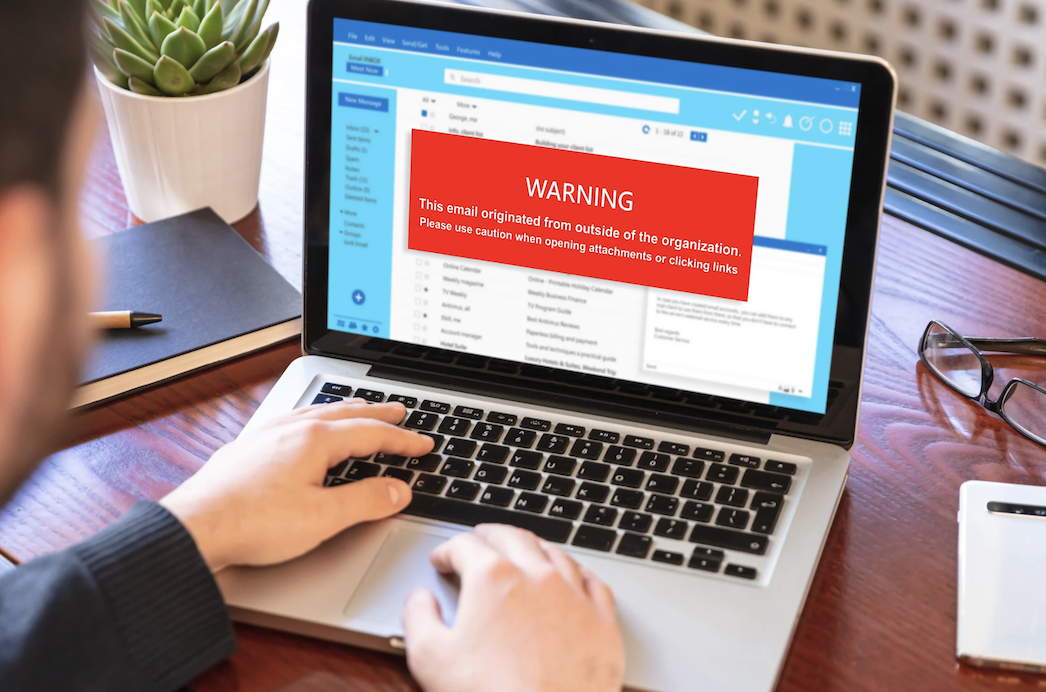
Have you ever received an email claiming that your bank account has been suspended, your package couldn’t be delivered, or you’ve won an unexpected prize? If so, there’s a good chance you’ve encountered a phishing attempt.
Phishing emails continue to be one of the most common cyber threats worldwide. Unfortunately, they have become much more convincing over the years. Modern phishing scams no longer rely on poor grammar or obviously fake messages. Today’s attackers use sophisticated techniques that closely imitate legitimate emails from trusted organizations.
In 2026, artificial intelligence has made phishing scams even more convincing. Cybercriminals can create professional-looking emails within seconds, making it increasingly difficult for users to distinguish genuine messages from fraudulent ones.
Fortunately, there are still clear warning signs you can look for. Learning how to identify phishing emails can help protect your personal information, financial accounts, and digital identity.
This guide explains everything you need to know to stay safe.
What Is a Phishing Email?
A phishing email is a fraudulent message designed to trick recipients into revealing sensitive information or performing actions that benefit cybercriminals.
These emails often attempt to steal:
- Passwords
- Banking information
- Credit card details
- Login credentials
- Personal information
- Verification codes
- Business data
Phishing emails usually create a sense of urgency or fear to encourage quick responses before victims have time to think critically.
For example, attackers may claim:
- Your account has been locked.
- Your payment has failed.
- Your package delivery was unsuccessful.
- Someone attempted to access your account.
- You need to verify your information immediately.
Their goal is simple: convince you to click a malicious link, download an attachment, or share confidential information.
Why Phishing Attacks Are Becoming More Dangerous in 2026
Phishing scams are evolving rapidly. Cybercriminals now use technologies that make their messages appear remarkably authentic.
Several factors contribute to this growing threat.
AI-Generated Emails
Attackers can generate professionally written emails that closely resemble legitimate communications.
Better Brand Imitation
Fake emails frequently copy:
- Company logos
- Email templates
- Official signatures
- Security notifications
- Customer support messages
Personalized Scams
Some phishing attacks include publicly available information about their targets to appear more convincing.
Multi-Platform Attacks
Modern phishing attempts aren’t limited to email. They may involve:
- Text messages
- Social media platforms
- Messaging applications
- QR codes
- Fake login pages
Because these techniques continue improving, cybersecurity awareness is more important than ever.
The Top Indicators That an Email Might Be a Phishing Attempt
Although phishing emails have become increasingly sophisticated, many still contain recognizable warning signs.
Unexpected Requests for Information
Legitimate organizations rarely ask users to share:
- Passwords
- Verification codes
- Banking credentials
- Sensitive account information
Treat such requests cautiously.
Suspicious Email Addresses
Always examine the sender’s email address carefully.
Examples of suspicious variations include:
- support-company@gmail.com
- amaz0n-support.com
- paypaI-security.com
Small spelling differences can easily go unnoticed.
Urgent or Threatening Language
Phishing emails frequently attempt to create panic.
Examples include:
- Immediate action required
- Your account will be suspended
- Payment failure detected
- Verify your identity now
Urgency is often used to discourage careful thinking.
Unexpected Attachments
Avoid opening attachments from unknown or suspicious senders.
Common malicious attachments include:
- ZIP files
- Executable files
- Fake invoices
- Password-protected documents
Always verify unexpected files before downloading them.
Suspicious Links
Before clicking any link:
- Hover over it when possible.
- Verify the website address carefully.
- Look for unusual spellings.
- Confirm that the domain matches the legitimate organization.
Fake websites frequently imitate authentic login pages.
How Cybercriminals Make Fake Emails Look Real
Modern phishing attacks are highly sophisticated. Attackers invest considerable effort into making fraudulent messages appear legitimate.
Common techniques include:
Copying Trusted Brands
Cybercriminals imitate:
- Banks
- Shopping websites
- Streaming platforms
- Delivery services
- Educational institutions
- Government organizations
Using Professional Designs
Many phishing emails now feature:
- High-quality graphics
- Professional layouts
- Accurate logos
- Authentic-looking signatures
Creating Emotional Responses
Attackers frequently exploit:
- Fear
- Excitement
- Curiosity
- Urgency
They understand that emotional reactions often override logical thinking.
Sending Messages at Strategic Times
Some phishing campaigns are timed around:
- Shopping seasons
- Tax deadlines
- Major announcements
- Product launches
- Financial transactions
This timing increases their likelihood of success.
How to Verify Whether an Email Is Legitimate
Whenever you receive an unexpected email, take a few moments to verify its authenticity.
Check the Sender Address
Carefully review:
- Domain names
- Spelling variations
- Extra characters
- Unusual email formats
Visit Official Websites Directly
Rather than clicking email links, manually visit the organization’s official website.
Confirm Recent Activity
Ask yourself:
- Did you recently request this service?
- Were you expecting this email?
- Does the message seem logical?
Unexpected communications deserve additional scrutiny.
Verify Through Official Support Channels
If an email appears suspicious, contact the organization directly through its official customer support channels.
Taking a few extra minutes can prevent significant security problems.
What Should You Do If You Receive a Suspicious Email?
If you suspect an email may be fraudulent, avoid acting immediately.
Instead:
- Do not click any links.
- Avoid downloading attachments.
- Verify the sender’s information.
- Report suspicious messages when appropriate.
- Delete confirmed phishing emails.
- Monitor your accounts regularly.
If you’ve accidentally interacted with a suspicious email:
- Change affected passwords immediately.
- Review account activity.
- Enable multi-factor authentication.
- Contact relevant service providers if necessary.
Prompt action can significantly reduce potential risks.
Common Types of Phishing Emails You Should Know
Several phishing techniques remain particularly common in 2026.
Account Verification Scams
These messages claim that your account requires immediate verification.
Package Delivery Scams
Attackers imitate shipping notifications requesting additional information.
Banking Scams
Fraudulent financial notifications remain among the most frequently reported phishing attempts.
Employment Scams
Fake recruiters may request sensitive information or upfront payments.
Subscription Renewal Notices
These emails attempt to imitate legitimate subscription services.
Business Email Scams
Organizations are frequently targeted through fraudulent invoices and impersonation attempts.
Understanding these common scams makes them significantly easier to recognize.
Best Practices to Protect Yourself from Phishing Scams
Improving your cybersecurity habits can greatly reduce your exposure to phishing attacks.
Enable Multi-Factor Authentication
Additional authentication provides valuable protection even if credentials are compromised.
Use Strong Passwords
Avoid reusing passwords across multiple accounts.
Keep Software Updated
Security updates frequently address vulnerabilities that attackers may exploit.
Review Emails Carefully
Before responding, ask yourself:
- Was I expecting this message?
- Does it seem unusually urgent?
- Is the sender legitimate?
- Does anything appear suspicious?
Educate Family Members
Cybersecurity awareness benefits everyone who uses digital services.
Regular discussions about online safety can help prevent costly mistakes.
Mistakes People Make When Handling Suspicious Emails
Many phishing attacks succeed because users make simple mistakes.
Common examples include:
- Clicking links too quickly
- Trusting familiar logos automatically
- Ignoring suspicious domains
- Downloading unexpected attachments
- Sharing verification codes
- Using weak passwords
- Reusing passwords across multiple accounts
Developing cautious browsing habits can substantially improve online safety.
The Future of Email Security in 2026
Email providers continue improving security technologies to combat increasingly sophisticated attacks.
Future developments include:
- AI-powered phishing detection
- Improved spam filtering systems
- Enhanced authentication technologies
- Smarter fraud prevention tools
- Advanced threat monitoring
However, technology alone cannot eliminate phishing threats entirely. User awareness remains one of the most effective forms of protection.
Staying informed and exercising caution will continue to play an essential role in maintaining online security.
Conclusion
Phishing emails have become smarter, more convincing, and increasingly difficult to identify in 2026. Fortunately, most scams still reveal warning signs when examined carefully.
Taking a few moments to verify suspicious emails can protect your personal information, finances, and digital accounts from cybercriminals. By remaining cautious, enabling security features, and avoiding impulsive clicks, you can dramatically reduce your risk of becoming a phishing victim.
Online safety begins with informed decisions, and recognizing phishing attempts is one of the most valuable cybersecurity skills you can develop today.
- You Might Be Curious: Protect Yourself, Learn How to Detect a Data Breach Impact
Frequently Asked Questions
1. What are the biggest warning signs of a phishing email?
Common warning signs include suspicious sender addresses, urgent requests, unexpected attachments, unusual links, and requests for sensitive information.
2. Can phishing emails look completely legitimate?
Yes. Modern phishing emails often imitate legitimate organizations using professional designs, branding elements, and convincing language.
3. Should I click a link to verify whether an email is real?
No. It’s safer to visit the organization’s official website manually rather than using links provided in unexpected emails.
4. What should I do if I accidentally clicked a phishing link?
Immediately change relevant passwords, review account activity, enable multi-factor authentication, and contact the affected service provider if necessary.
5. Are phishing emails still dangerous in 2026?
Yes. Phishing remains one of the most common and effective cyber threats worldwide, particularly as attackers adopt increasingly sophisticated techniques.
6. Can antivirus software stop phishing attacks?
Security software can provide valuable protection, but user awareness remains essential. Carefully reviewing emails before interacting with them is still one of the best defenses against phishing scams.