

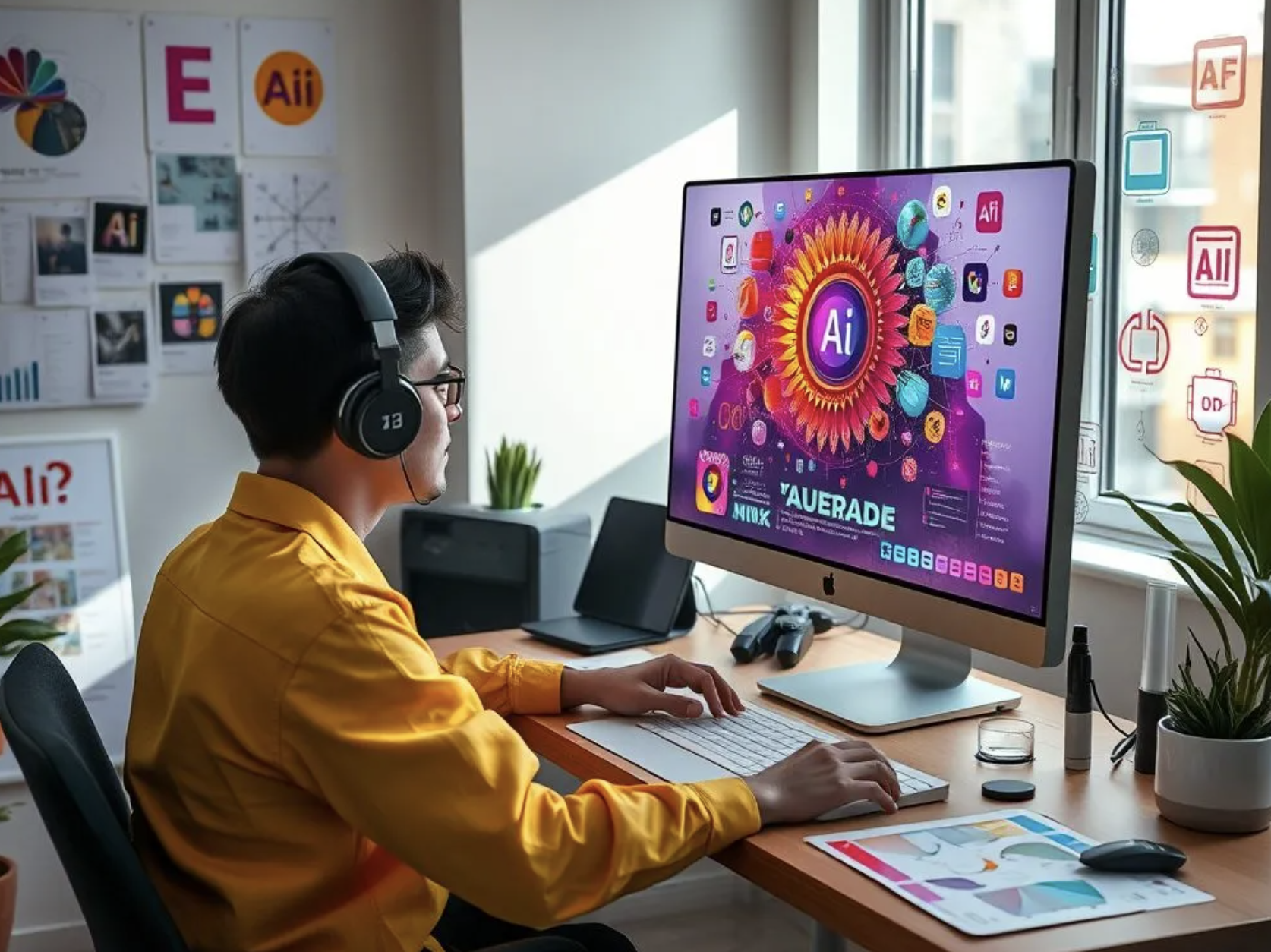
Have you ever wondered how designers create stunning visuals in record time? The answer often lies in artificial intelligence. AI has transformed graphic design by automating repetitive tasks, generating creative ideas, and speeding up workflows. Instead of replacing creativity, AI acts like a trusted assistant that handles the heavy lifting while designers focus on imagination and storytelling.
In my experience, AI tools have significantly improved the design process by reducing the time spent on repetitive tasks. They help generate fresh ideas quickly, allowing more focus on creativity and delivering high-quality results. When used effectively, AI becomes a valuable partner rather than a replacement for human creativity.
Whether you’re a beginner or an experienced professional, understanding the latest AI tools can help you work smarter and deliver better results.
1. What Are AI Graphic Design Tools?
AI graphic design tools are software applications that use artificial intelligence to automate design tasks. They can generate images, remove backgrounds, suggest layouts, create color palettes, and even produce complete marketing materials in seconds.
Think of AI as a creative co-pilot. It doesn’t drive the entire journey, but it makes the trip much smoother.
Discover the hidden Canva AI features that can help you design faster and work more efficiently.
2. Why Designers Are Using AI
Modern clients expect fast delivery without sacrificing quality. AI helps designers meet tight deadlines while maintaining creativity.
Some key reasons include:
- Saving valuable time
- Generating creative ideas instantly
- Reducing repetitive manual work
- Improving overall productivity
- Making design accessible to beginners
Artificial Intelligence helps designers reduce time spent on technical work, enabling them to focus on crafting impactful visual experiences.
3. Adobe Firefly
Generative Design Features
Adobe Firefly enables users to generate artwork from simple text prompts. It integrates seamlessly with Photoshop and Illustrator, making professional workflows even faster.
Best Uses
- Image generation
- Background replacement
- Text effects
- Creative inspiration
It is especially useful for designers working on advertising campaigns and social media graphics.
4. Canva AI Features
Magic Design
Canva uses AI to create presentations, posters, logos, and social media posts based on user input.
Magic Write
This feature generates marketing copy and design suggestions simultaneously, helping content creators produce polished visuals quickly.
For beginners and small businesses, Canva AI offers an affordable and easy-to-use solution.
5. Midjourney
Midjourney has emerged as one of the leading AI-powered image creation tools favored by artists and designers.
Why Designers Love It
- Highly artistic image quality
- Unique visual styles
- Fast concept generation
- Excellent for brainstorming
Many creative agencies use Midjourney to create mood boards before starting major projects.
6. DALL·E
DALL·E transforms text descriptions into realistic or imaginative images.
Ideal Applications
- Book illustrations
- Website banners
- Product mockups
- Marketing campaigns
Instead of spending hours searching for stock photos, designers can create original visuals tailored to their exact needs.
7. Figma AI
UI and UX designers are increasingly adopting Figma AI to streamline interface design.
Key Features
- Automatic layout suggestions
- Content generation
- Smart prototyping
- Design recommendations
This allows teams to collaborate more efficiently and complete projects faster.
8. Remove.bg
Background removal used to take several minutes per image.
Now, Remove.bg completes the task almost instantly with impressive accuracy.
Benefits
- One-click background removal
- Time savings
- Cleaner product images
- Better e-commerce visuals
Photographers and online sellers particularly benefit from this AI-powered tool.
9. Khroma
Choosing the perfect color palette can be challenging.
Khroma uses machine learning to generate personalized color combinations based on your preferences.
Advantages
- Custom palettes
- Brand consistency
- Creative inspiration
- Faster color selection
It helps eliminate guesswork during the design process.
10. Looka
Looka specializes in AI-powered logo creation.
By answering a few simple questions, users receive multiple professional logo concepts within minutes.
Small businesses and startups often use Looka to establish their visual identity quickly and affordably.
11. Benefits of AI in Graphic Design
Increased Productivity
AI automates repetitive tasks, allowing designers to complete projects more efficiently.
Enhanced Creativity
Rather than replacing creativity, AI provides fresh ideas and unexpected design possibilities.
Cost Savings
Businesses can reduce production costs while maintaining high-quality visual content.
Faster Turnaround
Clients appreciate quicker delivery times without compromising quality.
12. Limitations of AI Tools
Despite their advantages, AI tools have limitations.
- They may generate repetitive results.
- Human creativity remains essential.
- Original storytelling cannot be fully automated.
- Copyright concerns may arise depending on usage.
Successful designers combine AI efficiency with human imagination.
13. Tips for Choosing the Right Tool
Before selecting an AI design platform, consider:
- Your budget
- Design experience
- Project requirements
- Integration with existing software
- Licensing policies
Testing free versions before subscribing is often a smart strategy.
14. The Future of AI in Design
AI technology continues to evolve rapidly.
Future design tools may offer real-time collaboration, personalized creative assistants, and even predictive design recommendations based on audience preferences.
Rather than replacing designers, AI is expected to become an essential partner in the creative process.
15. Final Thoughts
AI is transforming the graphic design field by streamlining workflows and enhancing speed, intelligence, and efficiency. From generating artwork to removing backgrounds and suggesting layouts, AI tools empower designers to focus on what truly matters—creativity.
For more information Adobe Firefly (AI-powered design generation): Adobe Firefly
Like a powerful paintbrush in the hands of an artist, AI is simply a tool. The real magic still comes from the imagination, vision, and unique perspective of the designer using it.
Frequently Asked Questions
1. What are AI graphic design tools?
AI graphic design tools are software applications that use artificial intelligence to automate and simplify design tasks such as image generation, editing, and layout creation.
2. Can AI replace graphic designers?
No. AI assists designers by improving efficiency, but human creativity, strategy, and storytelling remain irreplaceable.
3. Which AI tool is best for beginners?
Canva AI is one of the best options for beginners due to its user-friendly interface and built-in templates.
4. Are AI-generated designs copyright-free?
Copyright policies vary by platform, so users should always review the licensing terms before commercial use.
5. How can AI help designers work faster?
AI speeds up tasks such as background removal, image generation, color selection, logo creation, and layout suggestions, allowing designers to complete projects more efficiently.