

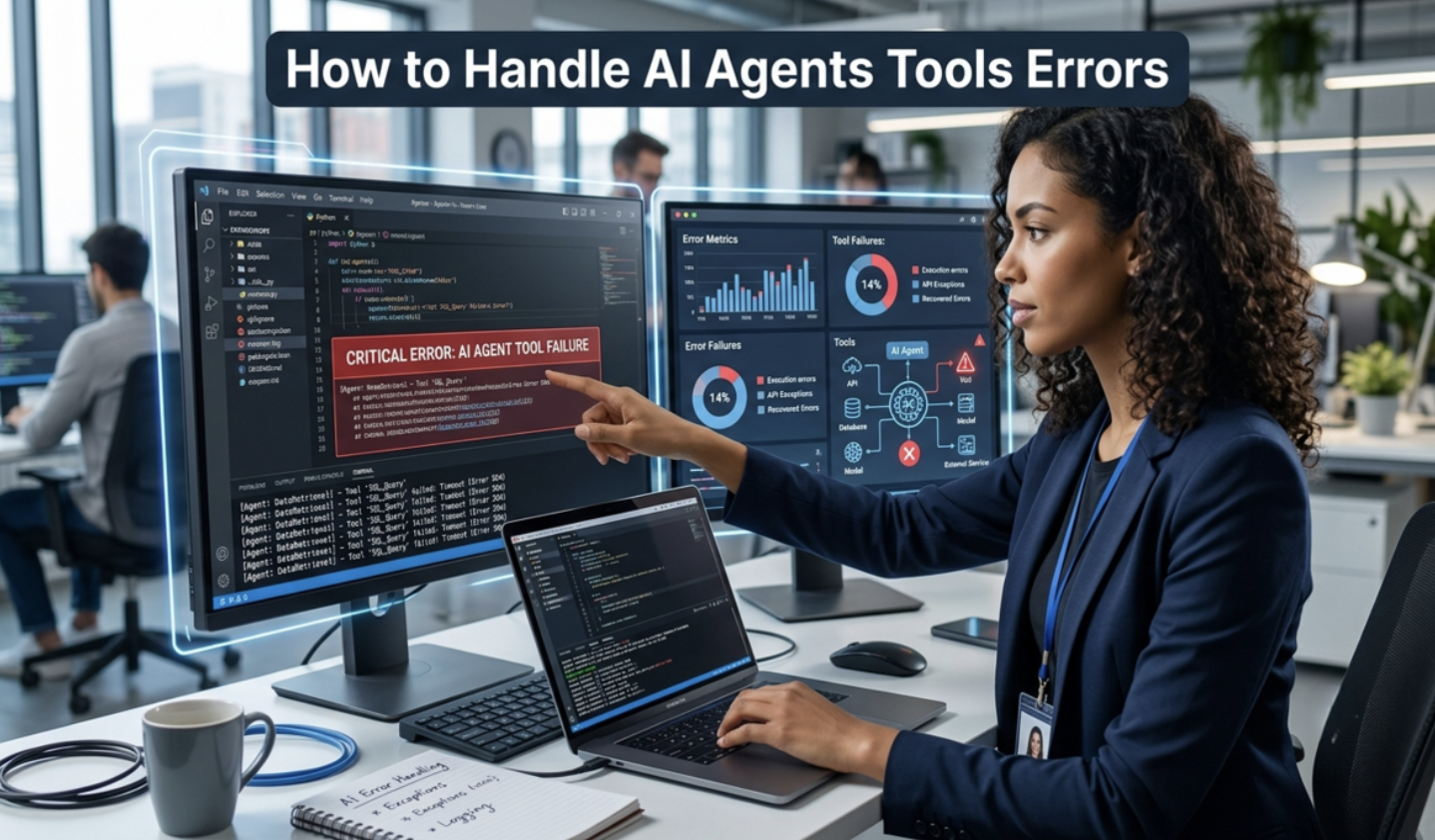
AI agents improve productivity. However, repeated mistakes can quickly reduce their value. Many users experience this issue during automation, customer support, coding, or data processing tasks.
Fortunately, most recurring errors have clear causes. Once you identify them, you can apply targeted fixes and improve your AI agent’s performance.
Common Reasons an AI Agent Repeats Errors
Several factors can cause repeated mistakes.
Poor or Incomplete Instructions
An AI agent depends on clear prompts. Vague instructions often produce inconsistent results.
Therefore, provide detailed objectives, expected outputs, and limitations. Clear guidance reduces repeated failures.
Limited Context Memory
Many AI agents only remember a limited amount of information.
As a result, they may forget previous corrections and continue making identical mistakes.
Weak Training Data
If an AI model learned from inaccurate or outdated examples, it may repeat those patterns.
Consequently, improving the quality of training data significantly boosts accuracy.
Missing Feedback Loops
Without continuous feedback, an AI agent cannot learn from previous errors.
Instead, it repeats the same behavior because nothing tells it to change.
How to Fix an AI Agent That Repeats Mistakes
1. Improve Your Prompt Structure
Start with precise instructions.
Include:
- The desired goal
- Required output format
- Rules to follow
- Examples of correct responses
Clear prompts eliminate unnecessary confusion.
2. Break Complex Tasks Into Smaller Steps
Large requests often overwhelm AI agents.
Instead, divide complicated workflows into smaller actions.
This method improves consistency and reduces repeated errors.
3. Give Explicit Negative Instructions
Tell the AI exactly what it should avoid.
For example:
- Do not repeat previous answers.
- Do not invent missing information.
- Do not ignore earlier corrections.
Negative instructions often prevent recurring mistakes.
4. Reinforce Previous Corrections
Many AI systems need reminders.
Therefore, restate important corrections before starting a new task.
This reinforcement keeps the AI focused on updated instructions.
5. Update Context Regularly
Long conversations may exceed the AI’s memory window.
As a result, summarize important information periodically.
A concise summary helps the AI maintain consistent performance.
6. Test With Different Prompt Variations
Sometimes the issue comes from wording.
Try changing:
- Sentence structure
- Task order
- Output format
- Instruction clarity
Small prompt adjustments often produce better results.
7. Use Validation Rules
Add verification steps before accepting the output.
For example, instruct the AI to:
- Review its answer.
- Compare it with previous instructions.
- Correct inconsistencies.
- Confirm all requirements are satisfied.
Self-checking improves reliability.
8. Monitor Performance Frequently
Do not assume one successful response solves the problem.
Instead, monitor multiple outputs over time.
Regular evaluation reveals recurring weaknesses early.
Best Practices for Long-Term AI Accuracy
Maintaining an effective AI agent requires continuous optimization.
Follow these proven practices:
- Write structured prompts.
- Keep instructions consistent.
- Refresh context regularly.
- Remove conflicting directions.
- Review outputs before deployment.
- Collect user feedback.
- Improve prompts after each failure.
These habits reduce repeated mistakes and improve long-term performance.
Businesses that use AI for customer support can also benefit from our guide AI Chatbots for Local Businesses: The Complete Guide to Smarter Customer Engagement in 2026, which explains how chatbots improve customer communication and response times.
Mistakes to Avoid When Fixing AI Agents
Many users accidentally make the problem worse.
Avoid these common errors:
Changing Too Many Variables
Modify one setting at a time.
Otherwise, identifying the real cause becomes difficult.
Ignoring Failed Outputs
Every mistake provides valuable information.
Analyze failures instead of deleting them immediately.
Using Conflicting Instructions
Conflicting prompts confuse AI systems.
Keep instructions simple, direct, and consistent.
Skipping Performance Testing
Always test updates before using the AI in production.
Testing confirms whether your changes solved the issue.
Advanced Tips for Smarter AI Agents
Experienced users often implement additional safeguards.
These include:
- Multi-step reasoning prompts
- Output validation checklists
- Memory management strategies
- Automated quality reviews
- Human approval for critical tasks
Together, these methods create more dependable AI workflows.
When Should You Retrain an AI Agent?
Prompt improvements solve many problems. However, some situations require retraining.
Consider retraining if:
- Errors remain after prompt optimization.
- Training data contains outdated information.
- Business requirements have changed.
- The AI consistently misunderstands similar tasks.
Retraining helps the model adapt to new expectations.
If you’re interested in seeing how these systems work in real business environments, read our guide on How AI Agents Are Being Used Inside Business Software Now.
Conclusion
An AI agent that keeps repeating the same mistake usually suffers from unclear instructions, weak context management, limited feedback, or outdated training. Fortunately, systematic troubleshooting resolves most issues. By improving prompts, reinforcing corrections, updating context, validating outputs, and monitoring performance, you can significantly increase accuracy and reliability. Consistent optimization transforms an unreliable AI agent into a dependable assistant that delivers better results over time.
Frequently Asked Questions (FAQs)
1. How do I stop an AI agent from repeating the same mistake?
Use clearer prompts, reinforce previous corrections, provide regular context updates, and add validation steps before accepting responses.
2. Why does my AI ignore previous corrections?
Most AI agents have limited memory windows. Important corrections may disappear unless you repeat or summarize them.
3. Can better prompts reduce AI errors?
Yes. Well-structured prompts improve understanding, reduce ambiguity, and produce more consistent outputs.
4. Should I retrain my AI agent?
Retraining is helpful when prompt improvements no longer solve recurring mistakes or when training data becomes outdated.
5. How often should I evaluate AI performance?
Review outputs regularly, especially after prompt changes, software updates, or workflow modifications. Continuous monitoring keeps performance consistent.