

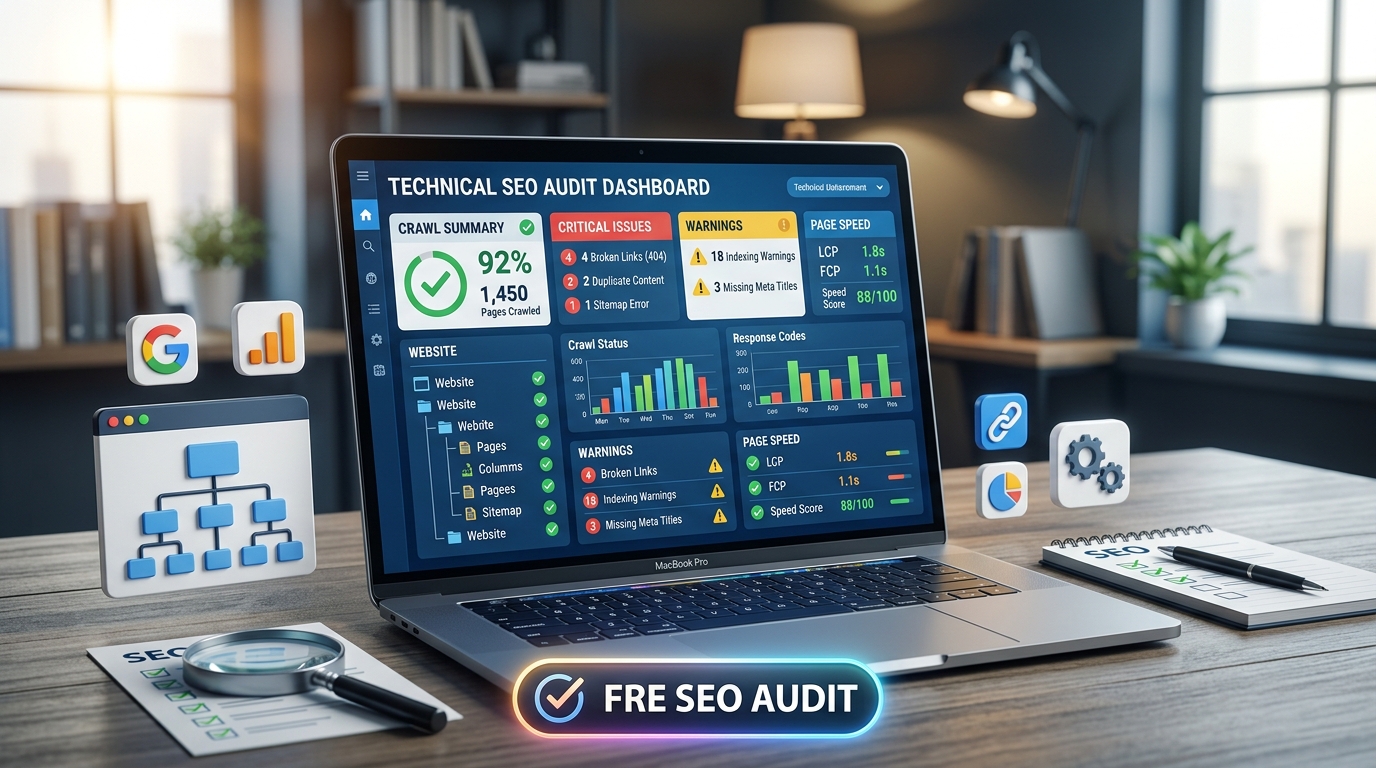
Technical SEO can feel complicated, especially when premium tools cost hundreds of dollars. However, you can audit most important issues using free tools and simple checks.
A technical SEO audit helps you discover problems affecting crawling, indexing, speed, and user experience. Fortunately, you do not need an expensive subscription to find these problems.
Start With Google Search Console
Google Search Console should be your first free SEO auditing tool. It provides valuable information directly from Google.
First, open the Indexing section and check your indexed pages. Look for unexpected exclusions, errors, or duplicate pages.
Next, review the Pages report carefully. Pay attention to pages marked as:
- Crawled but not indexed
- Discovered but not indexed
- Blocked by robots.txt
- Duplicate without a selected canonical
- Server errors
These reports can reveal serious technical SEO problems quickly.
Check Your Robots.txt File
Your robots.txt file controls which website areas search engines can crawl.
Visit your website by adding /robots.txt after the domain name.
For example:
example.com/robots.txt
Check whether important pages or directories are accidentally blocked.
Also, make sure your sitemap URL appears correctly inside the file.
Inspect Your XML Sitemap
An XML sitemap helps search engines discover important URLs.
Usually, you can find it at:
example.com/sitemap.xml
Check whether the sitemap contains:
- Important indexable pages
- Correct URLs
- HTTPS versions
- No broken pages
- No unnecessary redirects
Moreover, remove deleted or non-indexable URLs from your sitemap.
Find Broken Internal Links
Broken links can create poor user experiences and waste crawl opportunities.
You can check important pages manually without paying for software.
Start with your navigation menu and major articles. Then, click internal links and confirm that they load correctly.
You can also use free website crawlers with limited monthly credits.
Fix broken links by updating them to relevant working pages. Alternatively, remove links that no longer provide value.
Check Website Indexing
Search Google using the following command:
site:yourwebsite.com
This shows pages Google currently associates with your domain.
Compare these results with your important website pages. If valuable pages do not appear, investigate their indexing status.
However, remember that Google’s site: results are not an exact indexing count.
Test Your Canonical Tags
Canonical tags tell search engines which version of a URL should be preferred.
Open important pages and inspect their HTML source. Search for:
rel=”canonical”
Make sure the canonical URL points to the correct page.
Also, avoid canonicalizing valuable pages toward unrelated URLs. Such mistakes can prevent important content from appearing in search results.
Check Mobile Usability
When it comes to indexing websites, Google mainly relies on the mobile version rather than the desktop version.
Therefore, your pages should work properly on smartphones.
Use Google’s free mobile-friendly testing resources or manually inspect your website on different screen sizes.
Check menus, buttons, forms, images, and text. Make sure visitors can interact with everything comfortably.
Audit Core Web Vitals
Page experience can influence both users and search performance.
Google’s free PageSpeed Insights tool can help you identify performance problems.
Pay attention to Core Web Vitals, including:
- Largest Contentful Paint
- Interaction to Next Paint
- Cumulative Layout Shift
Improve slow pages by compressing images, reducing unnecessary scripts, and improving server performance.
Look for HTTPS Problems
Your entire website should use HTTPS.
Check several important URLs manually. Make sure they load with the secure HTTPS version.
Also, verify that HTTP pages redirect properly to HTTPS.
Mixed-content warnings can also cause problems. These occur when an HTTPS page loads certain resources through HTTP.
Check Redirects
Redirects help users and search engines reach the correct URL.
However, unnecessary redirect chains can create technical problems.
Check whether old URLs redirect directly to their final destinations.
Avoid creating chains such as:
Page A -> Page B -> Page C
A cleaner structure is:
Page A -> Page C
Review Page Titles and Meta Descriptions
Technical SEO also includes basic HTML elements.
Check important pages for missing or duplicated title tags. Each valuable page should have a clear, descriptive title.
Meta descriptions should also accurately describe the page.
Although meta descriptions are not direct ranking factors, strong descriptions can improve search-result clicks.
Find Duplicate Content
Duplicate content can confuse search engines about which page deserves visibility.
Look for similar URLs created by:
- Tracking parameters
- Category filters
- Tags
- Print pages
- Duplicate versions
- HTTP and HTTPS variations
Use canonical tags, redirects, or appropriate indexing controls when necessary.
Check Your Internal Linking Structure
Internal links help search engines discover and understand your content.
Start with your most important pages. Confirm that relevant articles link toward them naturally.
Also, identify important pages that receive very few internal links.
A strong internal linking structure distributes authority and improves navigation.
Audit Image SEO
Large images can slow down your website significantly.
Check important pages for oversized image files. Compress images before uploading them.
Also, use descriptive file names and useful alt text where appropriate.
Avoid stuffing keywords into image alt attributes. Instead, describe the image naturally.
Check 404 Pages
A 404 error means the requested page cannot be found.
Some 404 errors are normal. However, important pages should not consistently return them.
Use Google Search Console to identify reported not-found URLs. Then, redirect valuable deleted pages when a relevant replacement exists.
Otherwise, remove outdated internal links pointing toward them.
Create a Free Technical SEO Checklist
You can audit your website without expensive subscriptions by following a simple process.
Start with Google Search Console. Then check robots.txt, XML sitemaps, indexing, redirects, canonicals, links, HTTPS, speed, and mobile usability.
Finally, document every problem you discover.
Prioritize issues affecting crawling, indexing, important pages, and user experience first.
You do not need every premium SEO feature to perform a useful technical audit. With free tools and consistent checks, you can identify many problems that directly affect your website’s search visibility.