

As businesses continue their digital transformation in 2026, choosing the right IT infrastructure has become more important than ever. One of the biggest decisions organizations face is whether to invest in physical servers or use Infrastructure as a Service (IaaS). While buying your own servers gives you complete control over your hardware, it also comes with significant costs and maintenance responsibilities. IaaS offers a modern alternative by allowing businesses to rent computing resources from cloud providers whenever they need them.
When I helped a small software company migrate part of its infrastructure to the cloud, one of the biggest improvements I noticed was deployment speed. Tasks that previously required ordering hardware and waiting several weeks were completed in less than an hour using virtual machines. That experience showed me why many organizations now view IaaS as a practical solution for growth and flexibility.
In this guide, you’ll learn what IaaS is, how it works, how it compares to owning physical servers, and which option is the better fit for different business needs.
What Is IaaS?
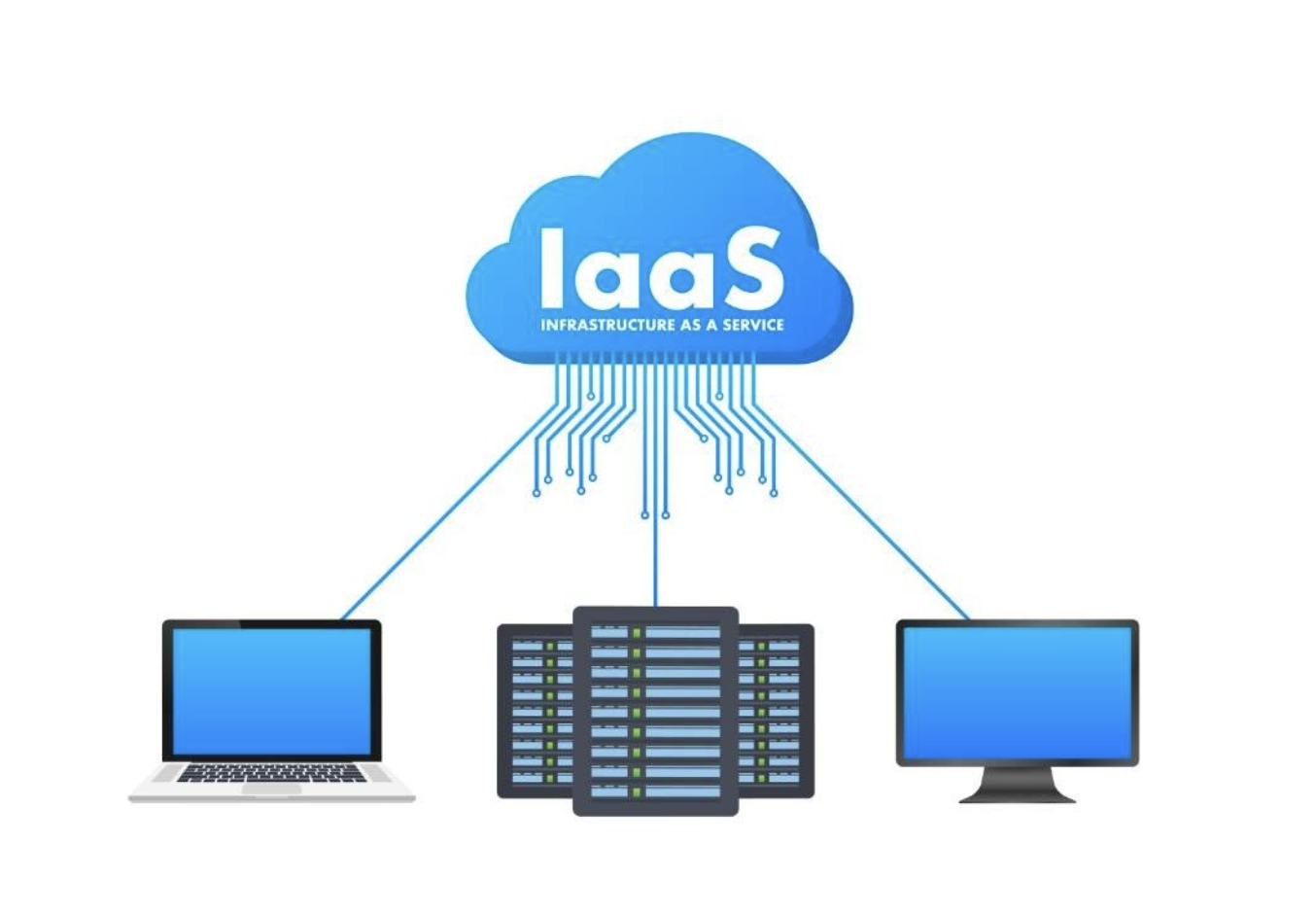
IaaS, or Infrastructure as a Service, is a way to access computing power and storage online, without needing physical hardware. Instead of purchasing and maintaining physical servers, businesses rent virtual machines, storage, networking, and other infrastructure components from a cloud provider on a pay-as-you-go basis.
For a deeper understanding of cloud service models and Infrastructure as a Service, refer to the official documentation from the National Institute of Standards and Technology (NIST).
Leading providers such as Amazon Web Services (AWS), Microsoft Azure, Google Cloud, and DigitalOcean operate large data centers filled with physical servers. Through virtualization technology, these servers are divided into multiple virtual machines that customers can access whenever needed.
The main components of IaaS include:
Virtual machines
Businesses can launch Windows or Linux virtual servers within minutes without purchasing hardware.
Storage
Cloud providers offer scalable block, file, and object storage for applications, databases, and backups.
Networking
Virtual private networks, firewalls, load balancers, and IP management help businesses securely connect their cloud resources.
Security
Identity management, encryption, monitoring tools, and backup services help organizations protect their workloads.
How Does IaaS Work?
IaaS relies on virtualization technology. A software layer called a hypervisor allows multiple virtual machines to run independently on a single physical server. Each virtual machine has its own operating system, CPU allocation, memory, and storage, even though they share the same hardware.
Users manage these resources through a web dashboard, command-line interface, or APIs. They can increase or decrease computing resources whenever demand changes, paying only for what they actually use.
One important advantage is elasticity. If your website suddenly receives thousands of visitors during a marketing campaign, you can add additional virtual servers within minutes and remove them once traffic returns to normal.
What Does Buying Your Own Servers Mean?
Buying physical servers means your organization owns and manages the entire infrastructure. This includes purchasing hardware, installing operating systems, setting up networking equipment, maintaining cooling systems, replacing failed components, and performing software updates.
Although this approach provides complete control, it also requires significant planning and ongoing investment. Hardware typically needs to be replaced every few years, and organizations are responsible for ensuring power redundancy, security, disaster recovery, and regular maintenance.
For businesses with dedicated IT teams and highly predictable workloads, owning servers can still be a suitable long-term investment. However, it often lacks the flexibility that modern businesses need.
IaaS vs Buying Your Own Servers
The biggest difference between IaaS and physical servers is ownership.
With IaaS, the cloud provider owns and maintains the hardware while customers rent virtual resources. With physical servers, the business purchases, operates, and maintains everything itself.
Here are the main differences:
- Initial cost: IaaS requires little upfront investment, while physical servers involve large capital expenses.
- Deployment: Virtual servers can be created within minutes, whereas physical infrastructure may take weeks to install.
- Scalability: IaaS allows businesses to scale resources instantly, while physical servers require purchasing additional hardware.
- Maintenance: Cloud providers maintain hardware, but on-premises servers require internal IT staff.
- Disaster recovery: Most cloud providers offer built-in backup and replication options, while physical environments often require separate disaster recovery planning.
- Flexibility: Businesses using IaaS can adjust resources based on demand without replacing hardware.
Why More Companies Are Choosing IaaS in 2026
Several trends are driving the growth of IaaS.
Lower upfront costs
Instead of spending thousands of dollars on hardware, businesses only pay for the computing resources they use. This frees up capital for product development, hiring, and business expansion.
Faster deployment
New virtual machines can be launched in minutes, allowing development teams to build, test, and deploy applications much faster than traditional infrastructure.
Easy scalability
As businesses grow, additional storage, memory, or processing power can be added without replacing physical equipment.
Better support for remote work
Cloud infrastructure allows employees to securely access applications and data from almost anywhere, making it ideal for distributed teams.
Improved disaster recovery
Most cloud providers offer multiple data center locations, automated backups, and replication options that help businesses recover quickly from unexpected outages.
When Buying Your Own Servers Still Makes Sense
Although IaaS offers many advantages, it is not always the best solution.
Organizations may prefer physical servers when:
- They operate highly sensitive systems with strict regulatory requirements.
- Applications require specialized hardware.
- Workloads remain stable throughout the year.
- Existing data center investments have already been made.
- Ultra-low latency processing is required at local facilities.
Many large enterprises actually combine both approaches through a hybrid cloud strategy, keeping critical workloads on-premises while moving less sensitive applications to the cloud.
Some organizations choose a private cloud instead of relying entirely on public cloud services because it offers greater control over sensitive workloads and compliance requirements. Learn more in our guide on What Is Private Cloud and Why Big Companies Use It.
Real-World Examples of IaaS
A growing e-commerce company may use Amazon EC2 to automatically add extra servers during Black Friday sales and reduce capacity afterward to lower costs.
A software development team might use Microsoft Azure Virtual Machines to create temporary testing environments for new applications before deployment.
A startup developing AI applications can rent GPU-powered virtual machines from Google Cloud for model training instead of purchasing expensive hardware.
Freelancers and small businesses often choose DigitalOcean Droplets because they provide affordable virtual servers that are easy to deploy and manage.
Advantages of IaaS
IaaS offers several important benefits:
- Lower capital investment
- Rapid deployment
- Flexible resource scaling
- High availability
- Reduced hardware maintenance
- Global infrastructure
- Built-in backup and disaster recovery options
- Faster innovation through on-demand resources
Challenges of IaaS
Like any technology, IaaS has limitations.
Monthly cloud costs can increase if resources are not monitored carefully. Businesses also depend on reliable internet connectivity to access cloud services. Another consideration is vendor lock-in, where moving workloads between cloud providers may require additional planning and migration effort.
Cloud security also follows a shared responsibility model. While providers secure the underlying infrastructure, customers remain responsible for managing user access, operating system updates, and application security.
Best Practices Before Moving to IaaS
Before migrating to cloud infrastructure, businesses should:
Assess existing workloads
Identify which applications are suitable for cloud migration and which should remain on-premises.
Estimate cloud costs
Use pricing calculators provided by cloud vendors to compare expected monthly expenses with current infrastructure costs.
Strengthen security
Implement identity and access management, enable multi-factor authentication, and encrypt sensitive data.
Monitor spending
Regularly review cloud usage and remove unused resources to avoid unnecessary costs.
Plan for disaster recovery
Create backup policies and test recovery procedures to minimize downtime during unexpected events.
The Future of IaaS
IaaS continues to evolve alongside artificial intelligence, automation, and edge computing. Cloud providers are introducing AI-powered management tools that automatically optimize resource usage, detect performance issues, and improve security.
As businesses continue expanding their cloud footprint, many are also adopting multiple cloud providers to reduce vendor lock-in and optimize performance. To understand this growing trend, read our guide “What Is Multi-Cloud Strategy and Why Companies Are Switching to It in 2026.“
Many organizations are also adopting hybrid and multi-cloud strategies, combining multiple cloud providers with existing on-premises infrastructure to improve flexibility and reduce dependency on a single vendor.
As sustainability becomes a priority, leading cloud providers are investing in renewable energy and energy-efficient data centers, making cloud infrastructure an increasingly attractive option for environmentally conscious businesses.
Many enterprises are no longer relying on a single deployment model. Instead, they combine on-premises infrastructure with public cloud services to improve flexibility, security, and business continuity. Our article What Is Hybrid Cloud and Why It Is the Most Popular Choice in 2026 explains how this approach works in practice.
Conclusion
Infrastructure as a Service has changed the way businesses build and manage IT infrastructure. Instead of making large investments in hardware that may become outdated within a few years, organizations can access powerful computing resources whenever they need them and pay only for what they use.
Buying your own servers still has value for businesses with highly specialized requirements or strict compliance obligations. However, for most startups, growing companies, and organizations seeking greater flexibility, IaaS provides a scalable, cost-efficient, and future-ready solution that supports innovation without the burden of managing physical hardware.
Frequently Asked Questions
1. What is IaaS in simple terms?
IaaS is a cloud service that allows businesses to rent virtual servers, storage, and networking instead of buying physical hardware.
2. Is IaaS cheaper than buying servers?
For many startups and growing businesses, IaaS is often more cost-effective because it eliminates large upfront hardware costs and allows organizations to pay only for the resources they use.
3. What are the most popular IaaS providers?
The leading providers include Amazon Web Services (AWS), Microsoft Azure, Google Cloud Platform, IBM Cloud, Oracle Cloud Infrastructure, and DigitalOcean.
4. Is IaaS secure?
Yes, major cloud providers invest heavily in physical security, encryption, monitoring, and compliance certifications. However, customers must still secure their applications, user accounts, and data.
5. Can businesses use both IaaS and physical servers?
Yes. Many organizations use a hybrid cloud approach, keeping sensitive workloads on physical servers while running scalable applications in the cloud.